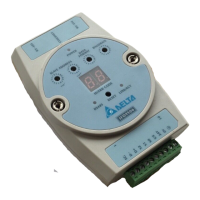
Ethernet Communication Module IFD9507
DVP-PLC Application Manual
36
10.10 Security Settings
To prevent the set values in IFD9507 from being modified, you can set up passwords to lock the settings in
IFD9507.
Setting up password
1. Password setup:
Check the "Modify” box to set up the password.
2. Confirm password:
Enter the new password again.
3. See “12.1 Application Examples” for more details.


 To Next Page