Ethernet Communication Module IFD9507
DVP-PLC Application Manual
59
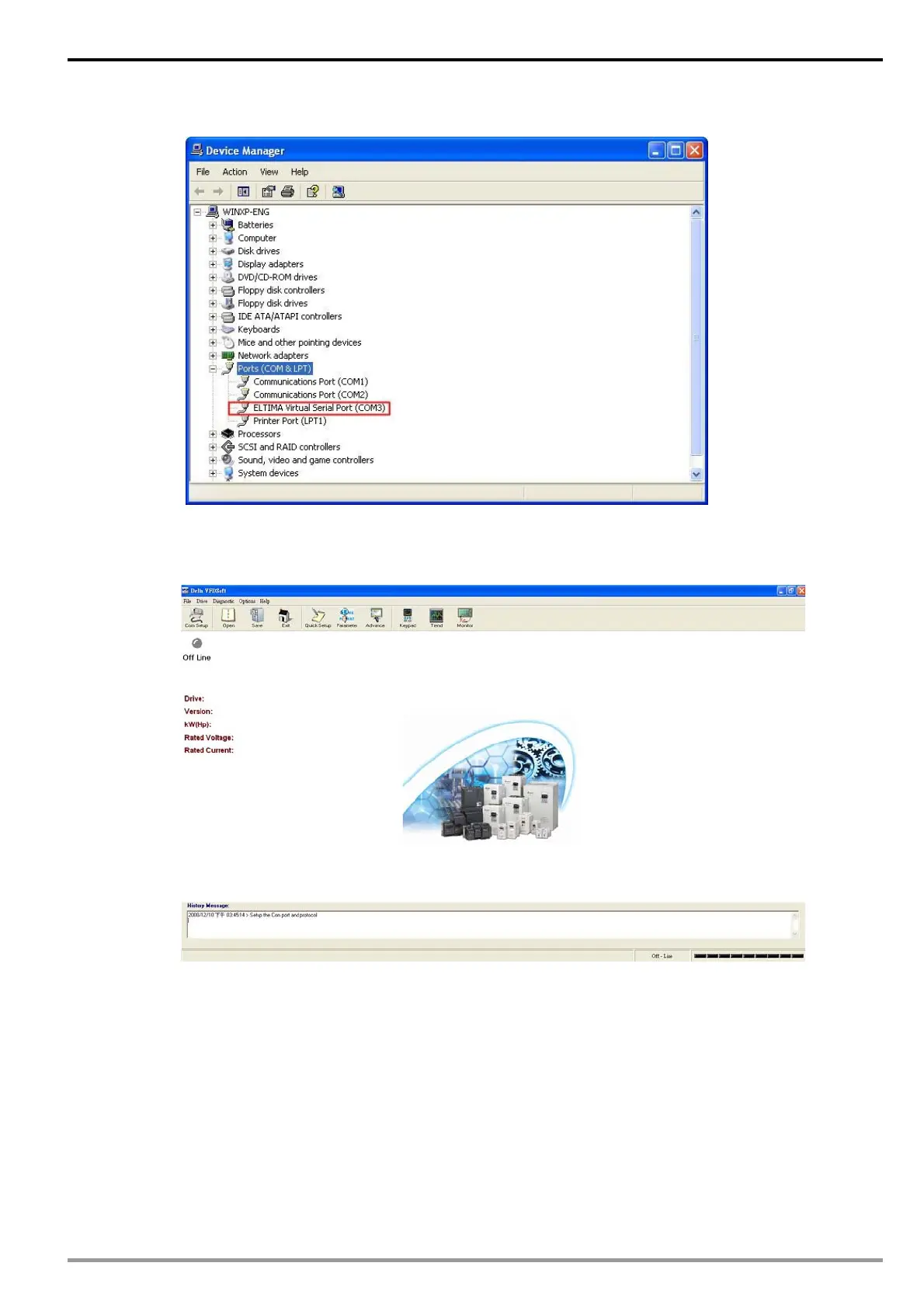
Once the setup is successful, you can see the virtual COM you set in the Device Manger.
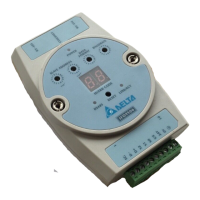
2. Using Virtual COM in Delta VFDSoft
Open Delta VFDSoft.
Setting up communication format (COM Setup)
Enter the virtual COM (COM2) set in the previous steps to “Com Port” column. Next, enter the
communication format of VFD-E (38400, 7, E, 1) and press “Test" button. Once the “Success” light is
ON, the communication test is regarded successful.


 To Next Page