Interpretation of the stored data:
During RCD measurement it is possible to view the stored data; by pressing Data Call you can
read in sequence the maximum values, minimum values, mean values, current values of Q(A),
current values of Q(B), time of A, time of B.
When the RCD measurement is ended, the same data in sequence may be recalled with the
Data Call key.
As well as by manual stopping, the recording of the values of Q(A) and of Q(B), and of their
respective times, stops, for A or for B, when the set time or integration limit has been reached.
Reaching of the limit is indicated by the flashing of the Q or Time led associated with the chan-
nel. Integration proceeds without any other limit than manual stopping or the maximum value of
19h 59m 59s, if the corresponding quantity is set at zero.
The maximum energy limit that may be integrated is equal to the full scale value for the maxi-
mum integration time indicated above.
The value Q is shown on the display in scientific notation, in the form 1.999 E09.
T is displayed as hh.mm.ss .
The presentation of the above values uses the entire area of the display; an indicator (A or B)
shows which channel they refer to.
The integration function is not available for temperature measurements.
6. Setting the limits for the Q/T function
With the instrument in normal operating mode, press the PROG key once to obtain the message
P0 on the display.
To set the limits on channel A, press the UNIT A key; likewise press UNIT B for channel B.
This gives access to the function for setting the integration limit time T; pressing the same key a
second time will give access to the function for setting the limit energy Q.
a) Setting the limit time T, starting from normal operating mode:
* Press PROG to go to P0.
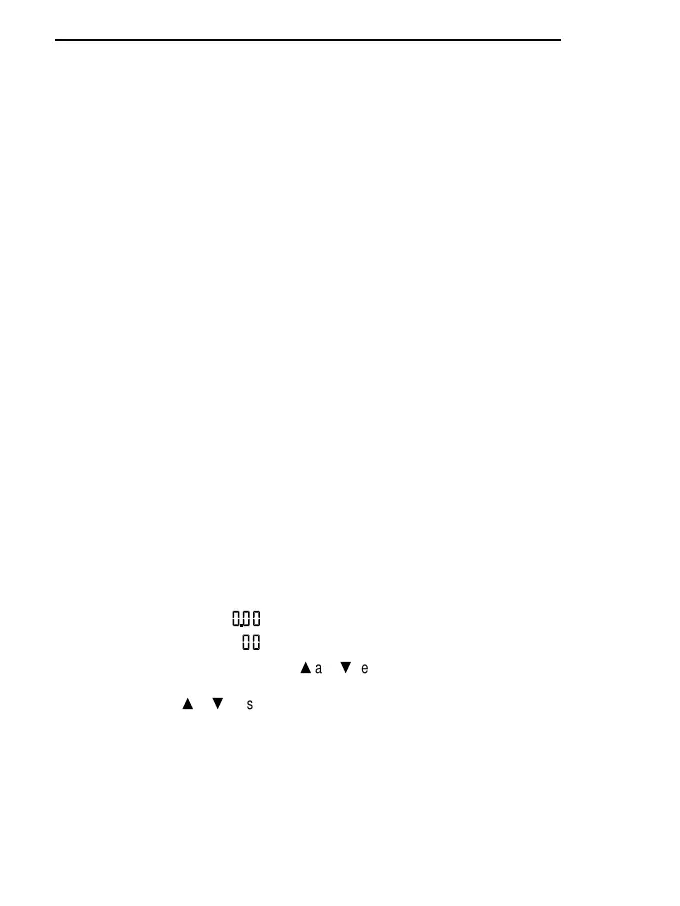
* Press UNIT A or UNIT B once, the led T for the channel that the instrument is working on lights
up and the display shows:
corresponding to hours.minutes
corresponding to the seconds, flashing
* The seconds may be altered using the
s
and
t
keys.
* Press PROG to pass from setting of the seconds to setting of the hours or minutes.
* Holding down the
s
or
t
keys makes the figures move forward automatically.
* The maximum time that may be set is 19.59.59.
* Press ENTER to confirm the set value.
b) Setting the integration limit energy Q, starting from normal operating mode:
* Press PROG to go to P0.
* Press UNIT A or UNIT B twice.
98
ENGLISH


 To Next Page
 Loading...
