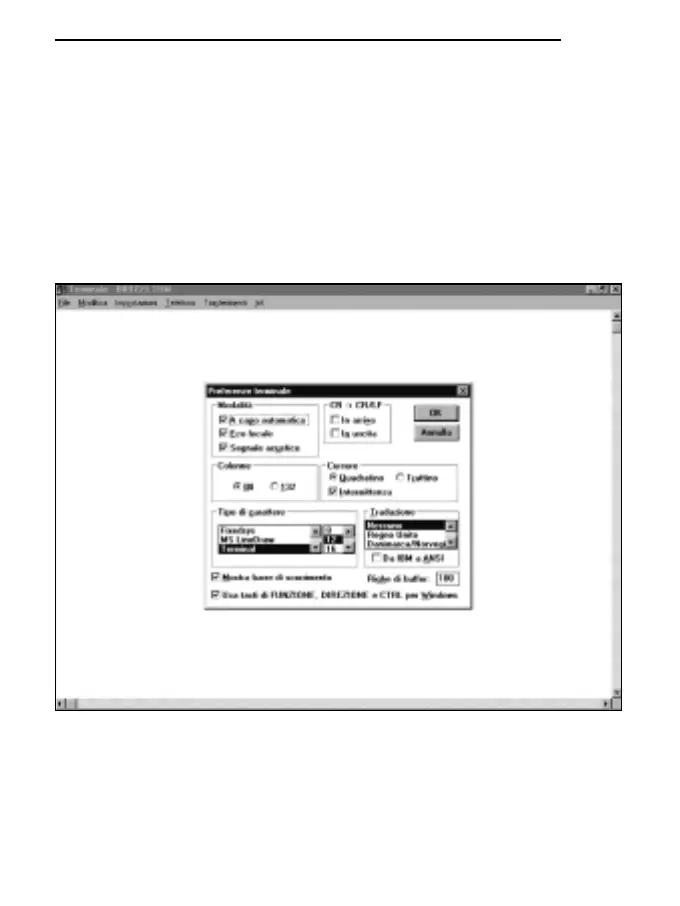
E) To set the correct character type:
* select SETTINGS from the terminal window (1 click).
* on the pull-down menu select TERMINAL PREFERENCES... (1 click).
* the TERMINAL PREFERENCES window appears on the monitor, set:
mark local Echo (1 click),
Character type: Terminal,
Translation: None,
leave the rest unchanged,
* OK to confirm the setting (1 click).
123
ENGLISH



 To Next Page