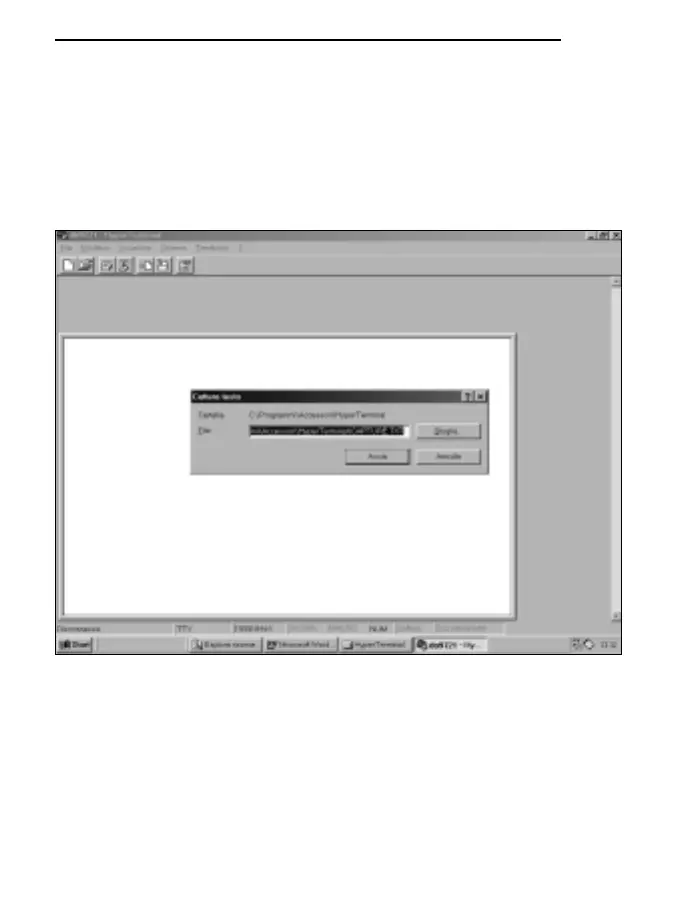
F) To receive and store data from an instrument:
* select TRANSFER from the Hyper Terminal window (1 click).
* select CAPTURE TEXT from the menu (1 click) and the window will appear where you have
to set the name of the file in which to store the data received from the instrument.
* type the name of the file in which data are to be stored on the line provided.
* START to set the name of the receiving file (1 click).
At this point the Hyper Terminal software is able to receive data from the measuring instrument
and store them in the set file.
141
ENGLISH



 To Next Page