ENGLISH
P0+
P0+ or
P1+ = data dump
83
KEY SIMBOLS LIT BESIDES
THE NUMBERS
FUNCTION
DESCRIPTION
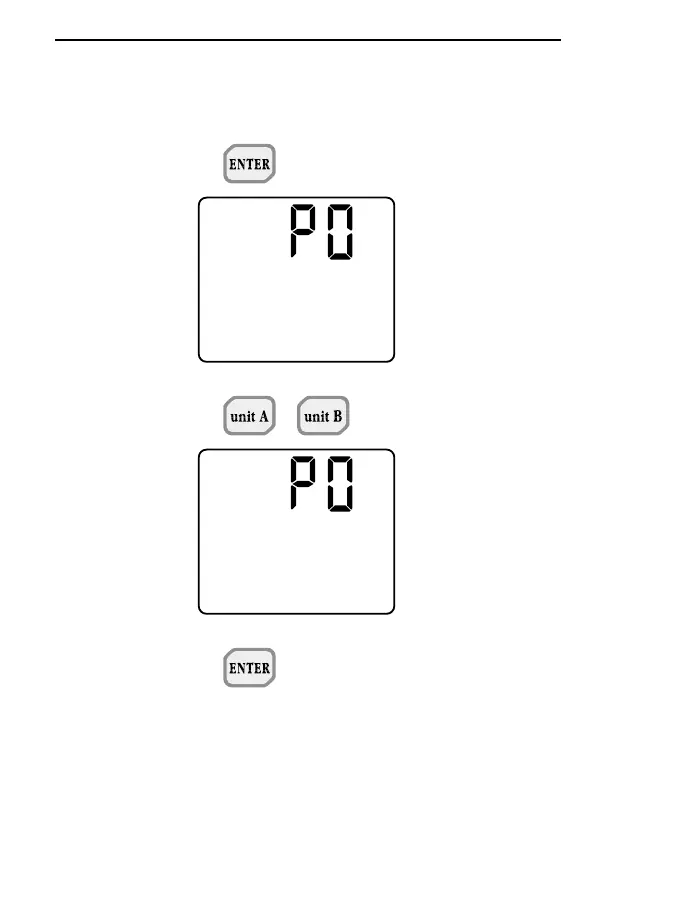
- P0 -
When ENTER is pressed with P0
on the display, the instrument
returns to normal operating mode
without storing any parameter.
Press the PROG key to move on
to step P1.
When unit A or unit B is pressed
with P0 on the display, it gives
access to the function for pro-
gramming the integration or time
limits for the probe Q and T func-
tions. For details, see the specific
chapter.
- P1 -
When ENTER is pressed with P1
on the display, the data stored in
the memory of the instrument are
unloaded (DUMP); press the
PROG key to move on to step P2.
During data dumping the messa-
ge P1 appears on the upper
display.



 To Next Page