Chapter 8 Load Cell Module AS02LC
8- 27
8.3.4 LED Indicators
Number Name Description
1 RUN LED Indicator
Operating status of the module
ON: the module is running.
OFF: the module is not running.
2
ERROR LED
Indicator
Error status of the module
ON: a serious error exists in the module.
OFF: the module is operating normally.
Blink: a minor error exists in the module.
3
Analog-to-Digital
Conversion
Indicator
Conversion status
Blinking: conversion is in process.
OFF: conversion has stopped.
8.4 HWCONFIG in ISPSoft
8.4.1 Initial Setting
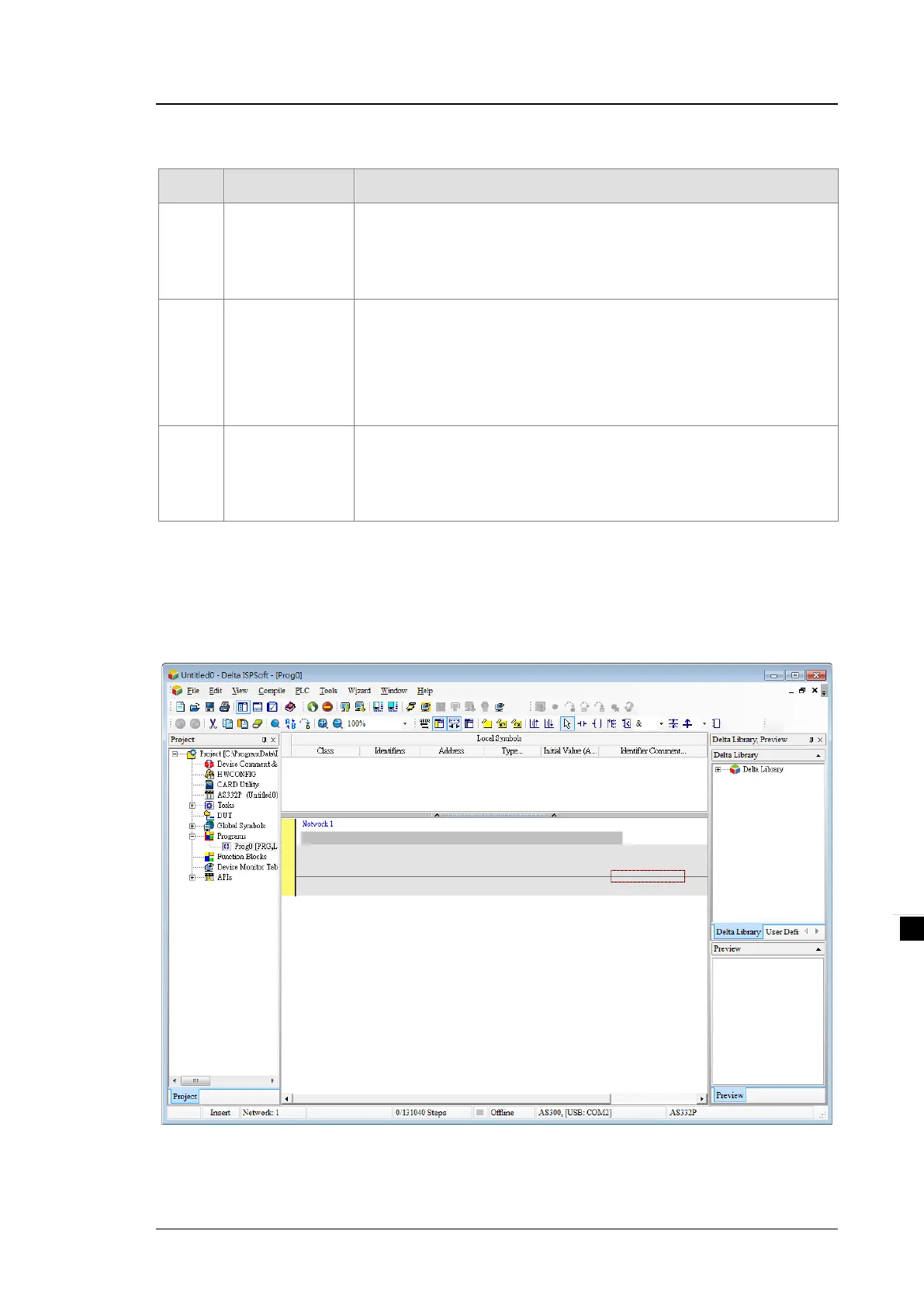
(1) Start ISPSoft and double-click HWCONFIG.



 To Next Page