EasyManua.ls Logo

Delta Digital timer - User Manual

Delta Digital timer
18 pages
Print Icon
To Next Page IconTo Next Page
Loading...
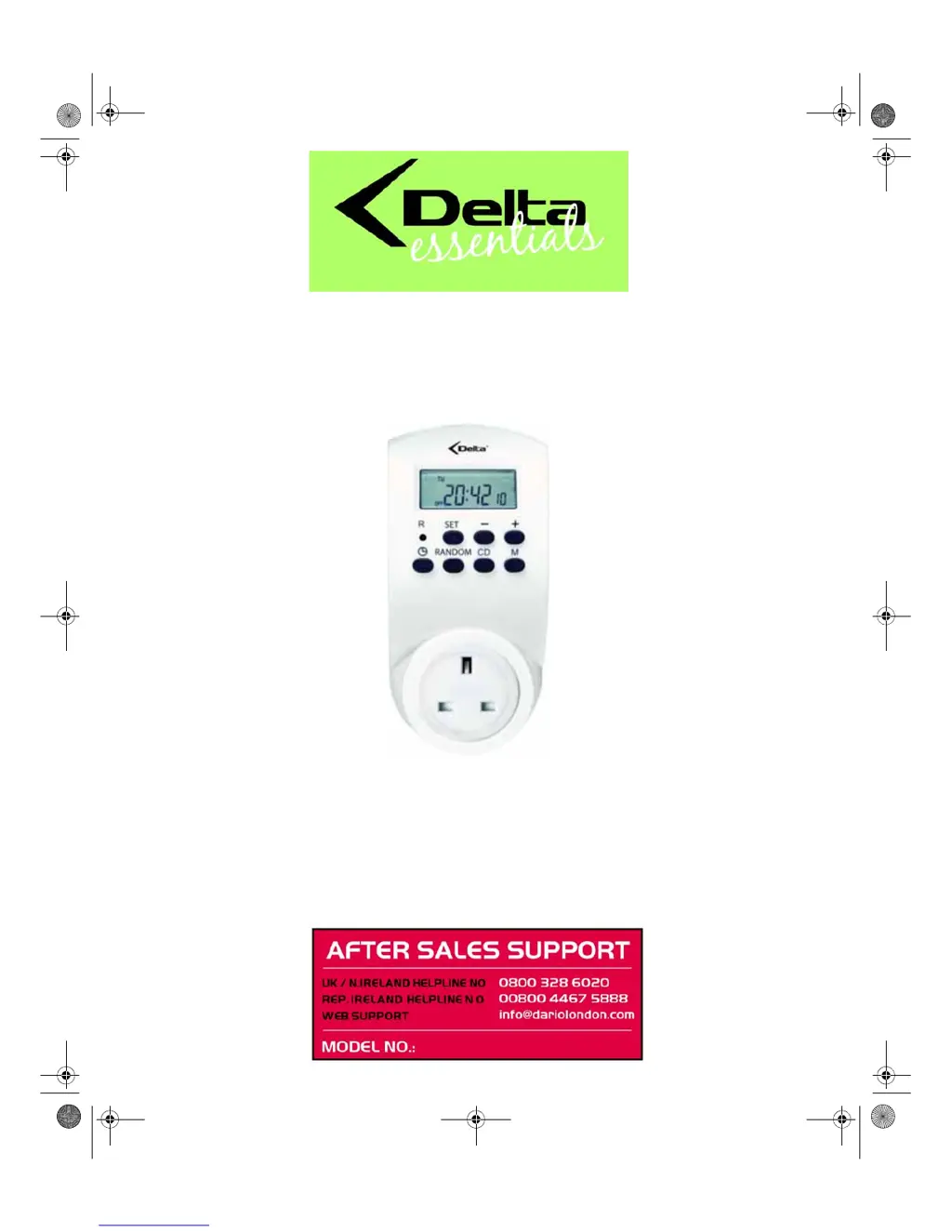
Digital timer
USER GUIDE & WARRANTY
After Sales Support
Now you have purchased a Delta product you can rest
assured in the knowledge that as well as your 3 year parts
and labour warranty you have the added peace of mind of
dedicated helplines and web support.
GT-ZSd-02
E43247 Digitale Zeitschaltuhr Innen Aldi UK.book Seite 1 Dienstag, 20. Juli 2010 3:07 15

Questions and Answers

  • A
    Amber StaffordJul 31, 2025
    Why is my Delta Digital connected device switched on at the wrong time?
    • V
      Virginia ToddJul 31, 2025
      The connected device might be switching on at the wrong time because the set time is incorrect or the random function is active. Check the set time and verify if the random function is enabled.
  • T
    Tyler CoxAug 11, 2025
    What to do if my Delta Timer connected device remains deactivated?
    • C
      Caroline JohnsonAug 11, 2025
      If the connected device remains deactivated, check whether the display shows AUTO. If it doesn't, press M to activate the AUTO mode.
  • K
    Kathleen DavisAug 20, 2025
    What to do if my Delta Timer connected device remains switched on?
    • K
      kimberlywilliamsAug 20, 2025
      If the connected device remains switched on, check whether the display shows AUTO. If it doesn't, press M to activate the AUTO mode.

Summary

INTRODUCTION

GENERAL SAFETY INSTRUCTIONS

Provides essential safety guidelines for proper and safe operation of the timer.

Child Safety Warnings

Warns about choking hazards from packaging material.

Electrical Safety Precautions

Details electrical safety precautions for connection and use.

Caution: Risk of Material Damage

Lists warnings to prevent damage to the device and outlets.

Product Functionalities

Digital Timer Overview

Control Panel Buttons Explained

Details the function of each button on the control panel.

GETTING STARTED GUIDE

Setting Date and Time

Setting Daylight Saving Time

PROGRAMMING ON;OFF TIMES

Covers the process of setting scheduled activation and deactivation times.

Important Programming Information

Provides crucial tips for programming activation and deactivation times.

ADDITIONAL TIMER FUNCTIONS

Countdown Timer Function

DEVICE CONNECTION AND USAGE

Delta Digital timer Specifications

General IconGeneral
MountingDIN Rail
DisplayLCD
Battery BackupYes
TypeDigital
Operating Temperature-10°C to +55°C