TOUCH
2
O
®
TECHNOLOGY
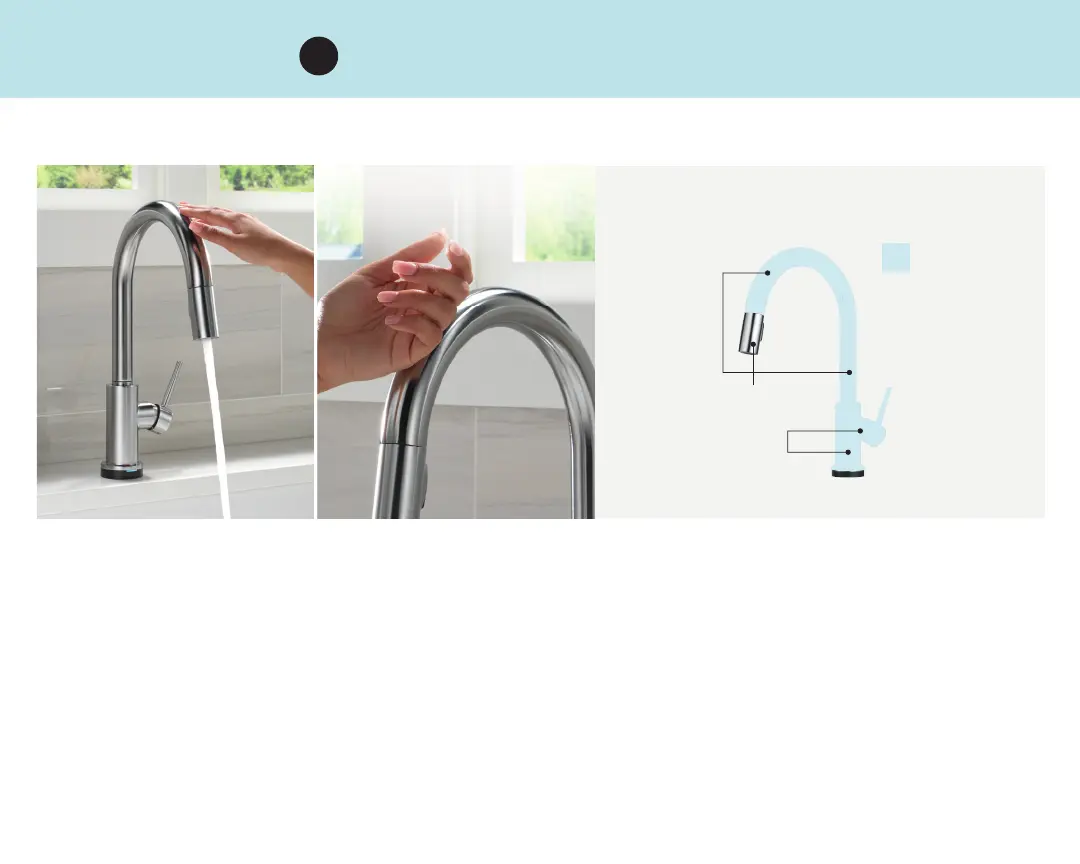
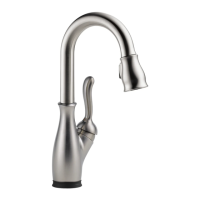
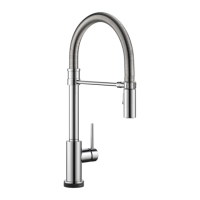
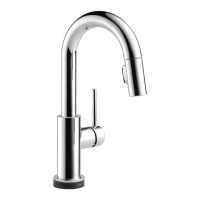
TURN ON AND OFF BY TAPPING
THE SPOUT, BASE OR HANDLE
SPOUT
BASE OR
HANDLE
• Turn the faucet handle to the on position
• Tap anywhere on the spout, base or handle
• Tap with wrist, forearm or fi nger to turn the faucet on and off
TAP WITH WRIST,
FOREARM, OR FINGER
ACTIVATION
ZONE
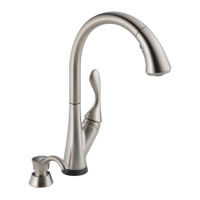
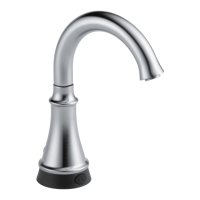
Recommend installing accessories such as soap dispensers and beverage faucets at least fi ve inches from the faucet.
2
WAND



 To Next Page