Need help?
Do you have a question about the Deltaco Gaming 4222135 and is the answer not in the manual?
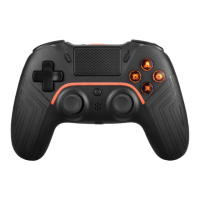
Connect the controller wirelessly or wired to your Nintendo Switch console.
Learn to reconnect, wake, disconnect, and manage controller sleep mode.
Utilize audio port, calibrate controls, and resolve Switch connection issues.
Connect the controller to Windows, Android, and iPhone devices via Bluetooth.
How to use the turbo button and adjust its speed settings for gameplay.
Information on charging the controller, entering sleep mode, and managing LED indicators.
Set up macro buttons and perform a factory reset for the controller.
Information about the KeyLinker app, warranty, and customer support.
Statement of compliance with EU Directive 2014/53/EU for wireless devices.
Guidance on proper disposal of electrical and electronic equipment.
 General
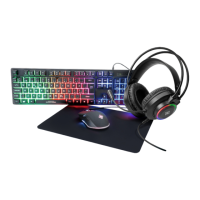
| Device Type | Gaming Mouse |
|---|---|
| Connectivity | Wired |
| Buttons | 6 |
| Sensor | Optical |
| DPI | 800/1600/2400/3200 |
| Polling Rate | 1000 Hz |
| Product Name | Deltaco Gaming 4222135 |
| Category | Video Gaming Accessories |
| Connection | USB |
| Interface | USB 2.0 |
| Color | Black |
| Cable Length | 1.8m |


 To Next Page