20
/ USER'S GUIDE
14. Turbo
14-1
( Model)
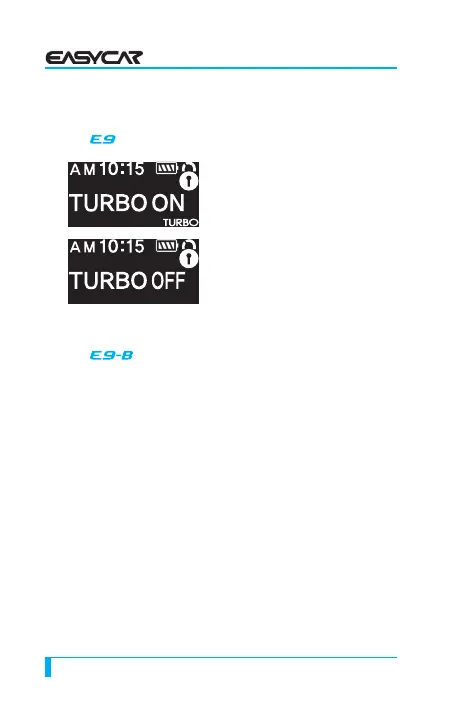
Press (III+IV) for 2 seconds, then
the TURBO icon blinks. In this
mode, engine continues to run for a
selected time of 30 seconds or 2
minutes after you take the key off
from key box (you can change the
setting in Option menu).
This is very useful for turbo
charged vehicles to cool down
the mechanical components after driving.
14-2
( Model)
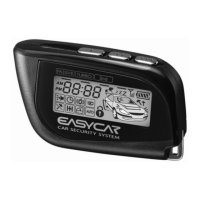
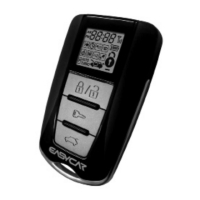
Press (III+IV) for 2 seconds, then the icon Turbo blinks. In
this mode, engine continues to run for a selected time of
30 seconds or 2 minutes (you can change the setting in
Option menu). ※
※ Please follow the step on the remote as above.
① While the engine is running, activate the parking brake
(auto transmission) or the emergency brake (manual
transmission)
② While pressing the foot brake on, press start button for
1 second and then release. The remote chirps and the
parking lights flash once each.
③ The engine keeps running and the start button’s LED
rotates from greed->red->off.
④ Open the door and close
⑤ The engine additionally runs for 30 seconds (or 2
minutes, changed in option)


 To Next Page