19
Your monitor has many unique settings. The following will share how to use the PASSCODE SECURITY settings and well as turn this
feature on and off.
Use the + - to toggle thru each screen and the M to move to the next setting
Scroll through the settings until you get to PASSCODE - at this point you can either set your code.
NOTE please write this down and remember this. Your monitor can be reprogramed but it will require speaking to an agent.
If you do not want this feature simply turn it off. You do this by moving the + - to your desired preference. Press the M button to return
to the main screen.
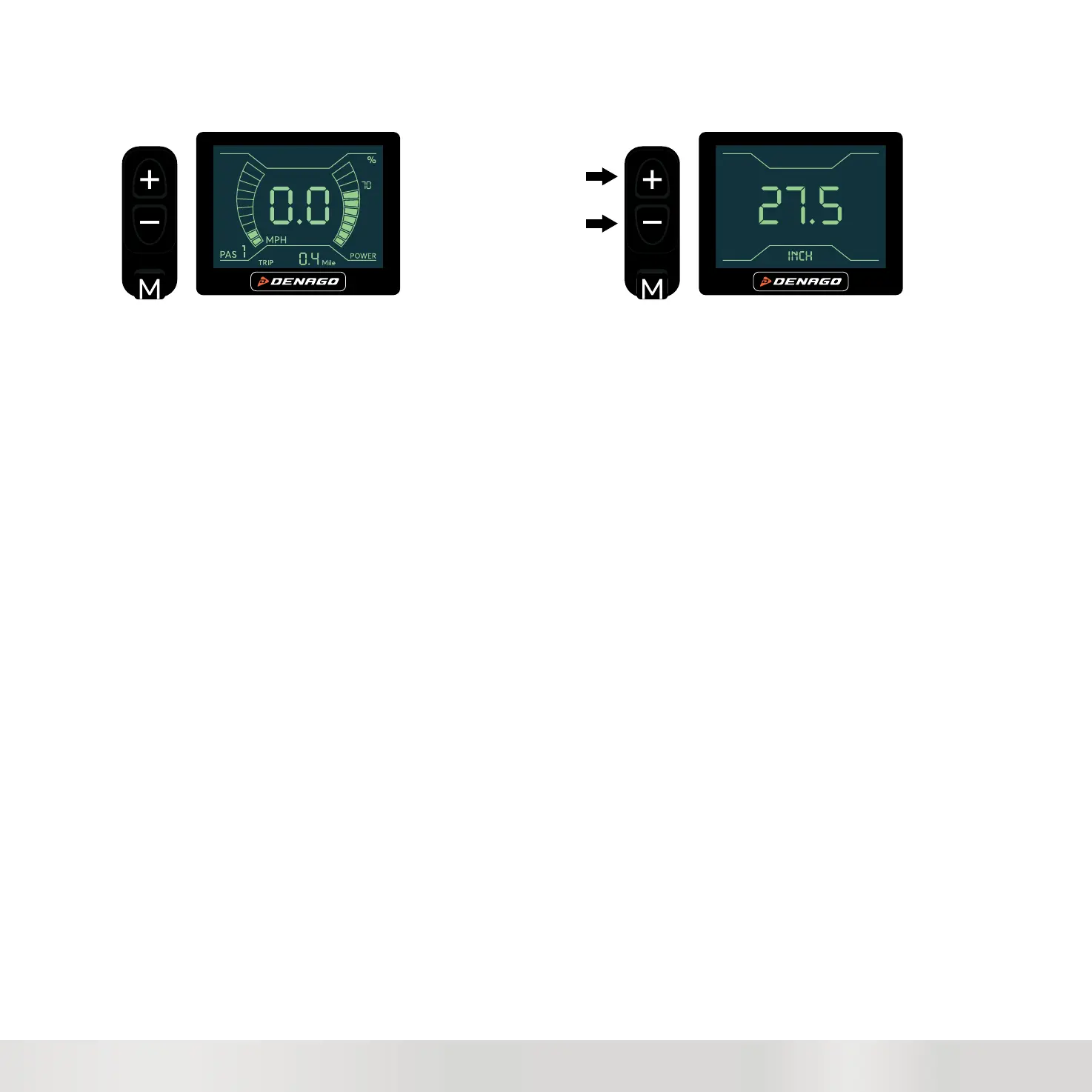
STEP 2 – Press + - (UP/Down) simultaneously
for 2-4 seconds until screen flashes and
goes to setting interface. You have 4 settings.
STEP 1 – Press M MODE button
until screen turns to either
MAX speed or AVE speed.



 To Next Page