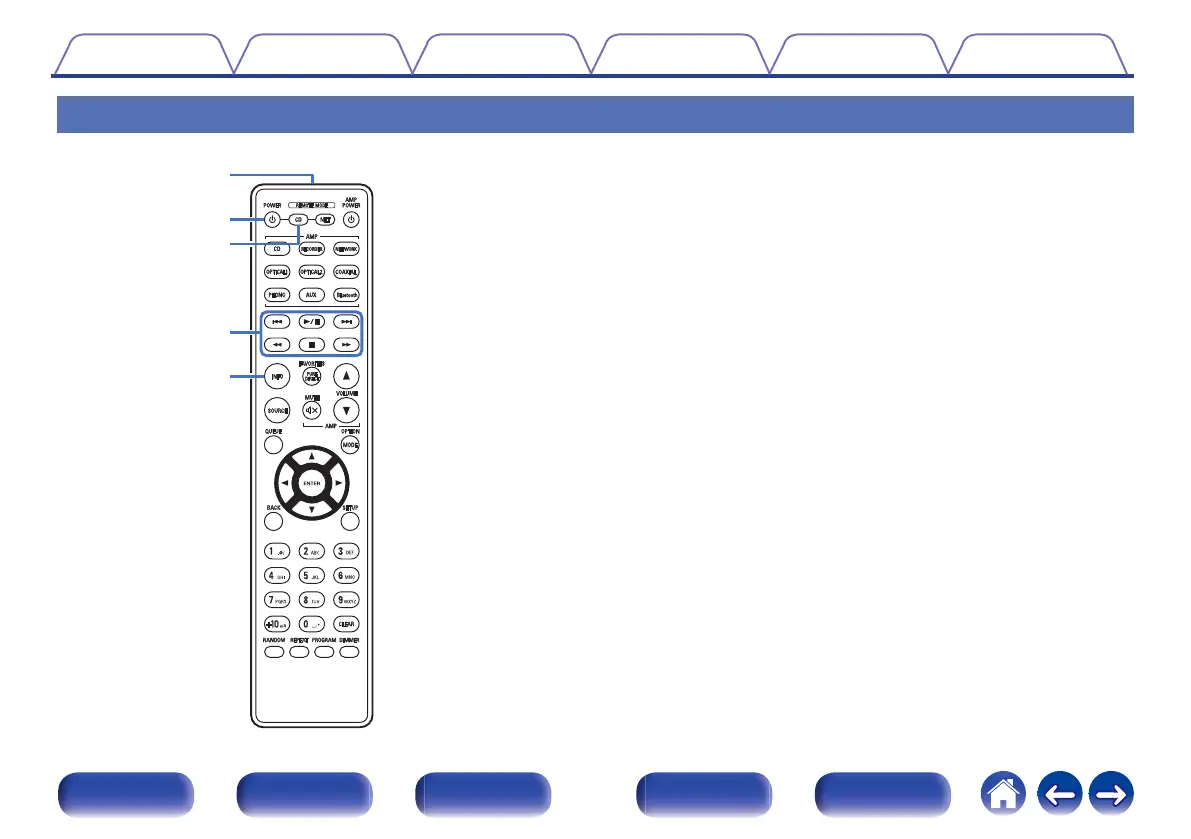
Remote control unit
The remote control provided with this unit can control a network audio
player in addition to a Denon amplifier.
0
“Amplifier operations” (v p. 14)
0
“Network audio player operations” (v p. 15)
o
Operating this unit
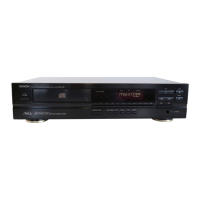
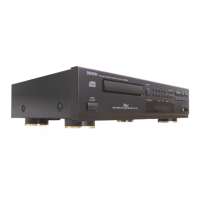
To operate CD player, press REMOTE MODE CD button to switch the
remote control to the CD player operation mode.
A
Remote control signal transmitter
This transmits signals from the remote control unit. (v p. 5)
B
Power operation button (POWER
X)
This turns the power on/off (standby). (v p. 23)
C
Remote mode select button
(REMOTE MODE CD)
This switches the remote control operating mode to CD player.
D
System buttons
These perform playback related operations.
E
Information button (INFO)
This switches the track information shown in the display during
playback.
Contents Connections Playback Settings Tips Appendix
11
Front panel Display Rear panel Remote Index



 To Next Page