21
13
Editing
The editing functions can be used to add track numbers, combine tracks, erase unwanted sections, etc.
It is also possible to give titles to discs and tracks.
Use the editing functions to get the best of the excellent operability that MiniDiscs offer.
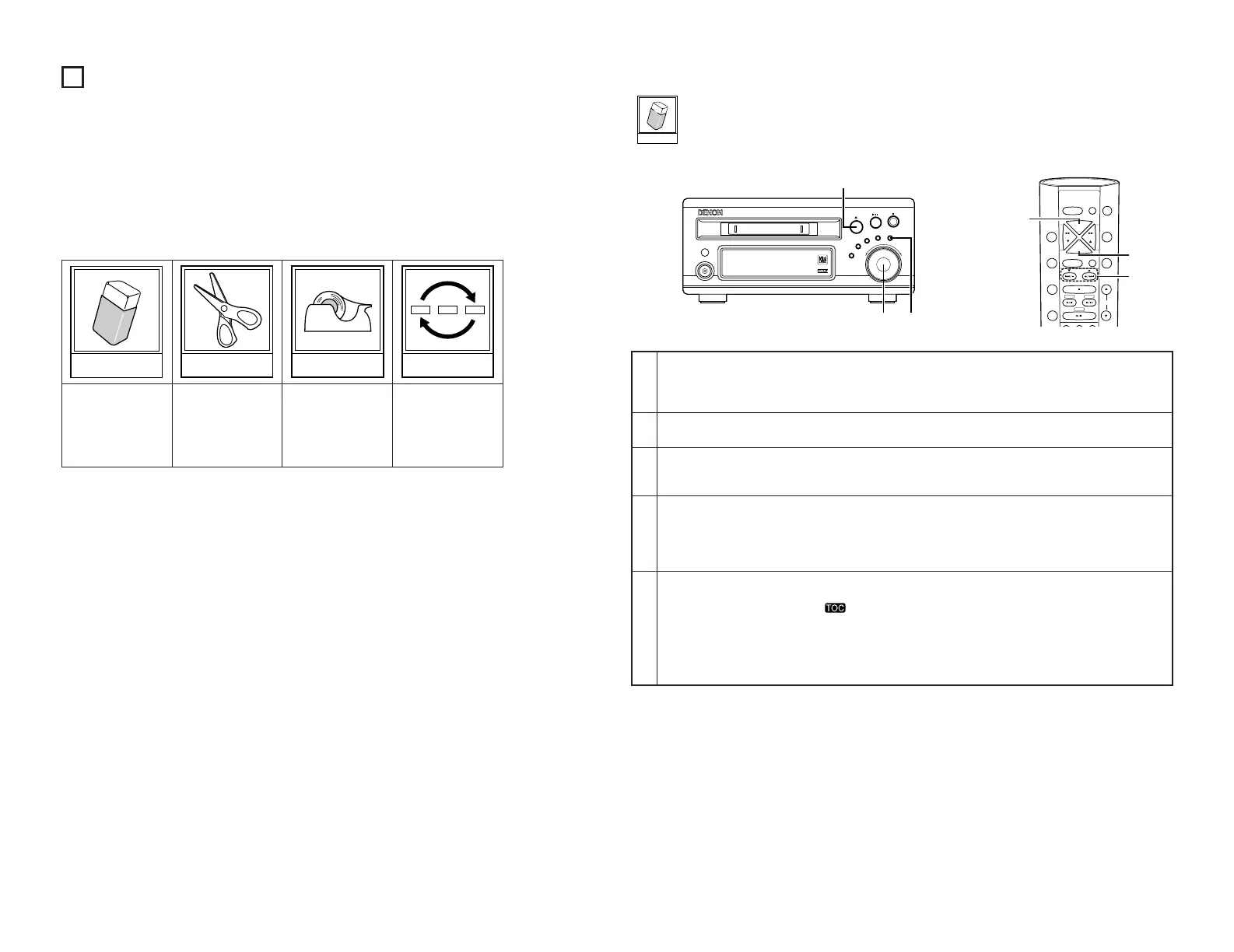
• This unit is equipped with the following four editing functions:
• Erasing single
tracks
• Erasing all tracks
• Erasing a certain
section of a track
• Dividing tracks • Combining track • Moving tracks
• When editing tracks, adding or erasing titles, close the accidental erasure prevention tab to
cover the hole.
These four editing
functions can be
combined for a
variety of editing
possibilities.
Editing functions
[Erasing one track at a time]
1
2
3
4
5
In the stop mode, display the number of the track to be erased.
• Either turn the jog dial on the main unit or use the automatic search buttons (
8 and 9) on the remote
control unit to display the number of the track to be erased.
• This step is unnecessary when you want to erase the paused track.
Press the EDIT button.
•“
Edit Mode
” is displayed.
Either turn the jog dial on the main unit or press one of the automatic search buttons (
8 and 9) on the
remote control unit.
• Display “
Track Erase?
”.
Press the jog dial on the main unit or the ENTER button on the remote control unit.
•“Complete” is displayed.
• During the pause mode, that track is erased.
• When a track is erased during the pause mode, the stop mode is set after the track is erased.
• When a track is erased, the numbers of the tracks following that track are all decreased by one.
Press the 5 (eject) button on the main unit.
• The TOC data is written and the disc is ejected.
• When TOC writing starts, the “” indicator flashes. Do not shake the main unit, or unplug the power
supply cord while the TOC is being written. If the data is not recorded properly, it will not be possible to play
the disc.
• The TOC data can also be recorded by performing the following operations:
• Pressing the power button to set the power to the standby mode.
• In the stop mode, press the
2 (stop) button.


 To Next Page