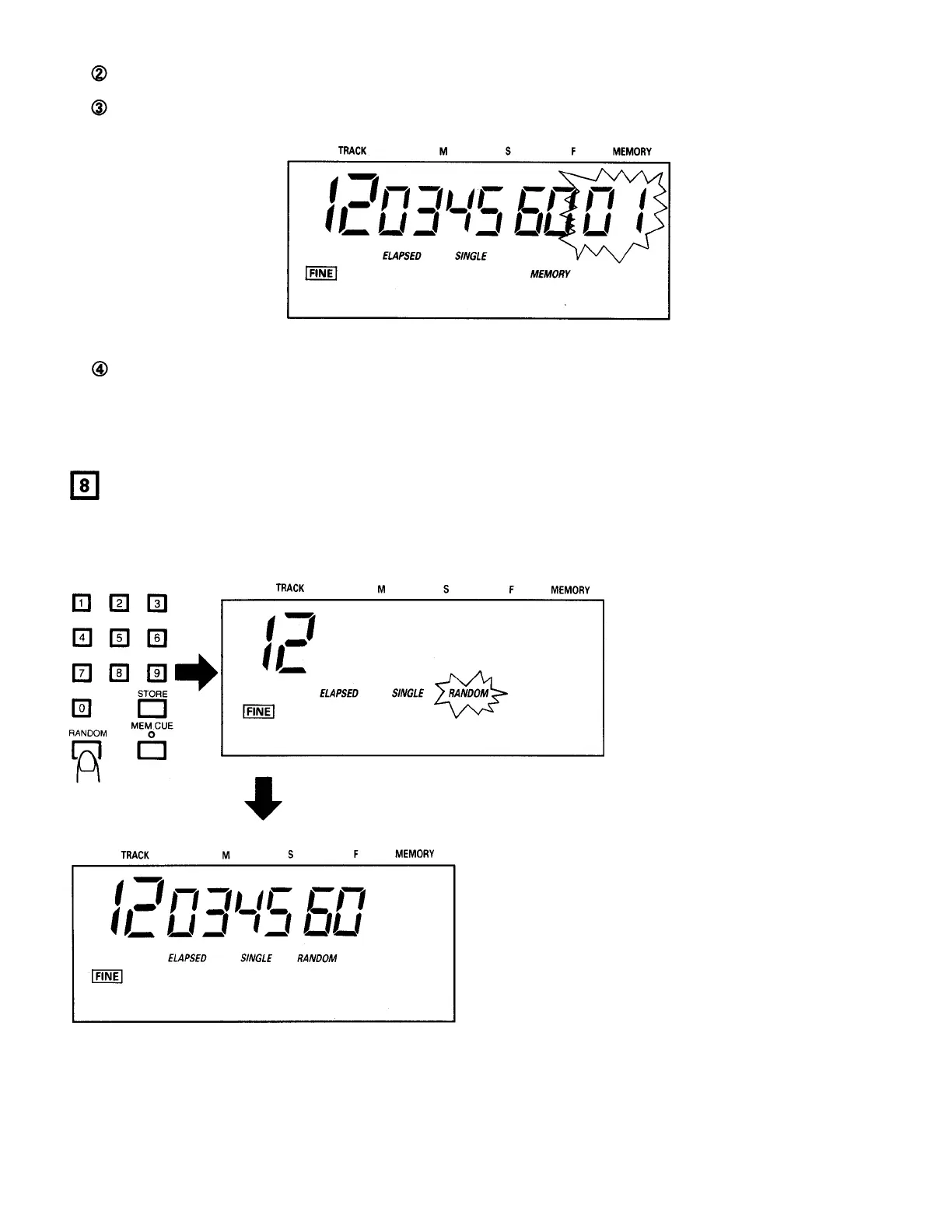
Now press the CUE button to move to the displayed position and enable the jog/shuttle dials.
Once the CUE LED lights, turn the jog dial to begin searching. The frame display appears on the LCD, and the current
position can now be monitored.
Figure 30
When the desired position is reached, continue with the normal data entry procedure. For example, press STORE to
store this point, or END to enter and end point.
RANDOM PLAYBACK
• Random playback will play the tracks from both discs alternately and in random order.
(1)
Preparing for Random Playback
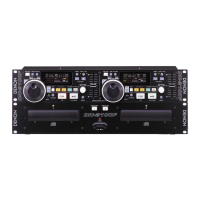
With discs loaded in each of
the disc holders, press the
RANDOM button. The RAN-
DOM indicator flashes on the
display, and a random track is
cued on each disc.
When random playback mode is ready, the RANDOM
indicator and track number stop flashing, remain lit,
and the CUE LED for the side to be played first lights.
Figure 31
25



 To Next Page