EasyManua.ls Logo

Denon Heos 7 - User Manual

Denon Heos 7
71 pages
Print Icon
To Next Page IconTo Next Page
Loading...
.
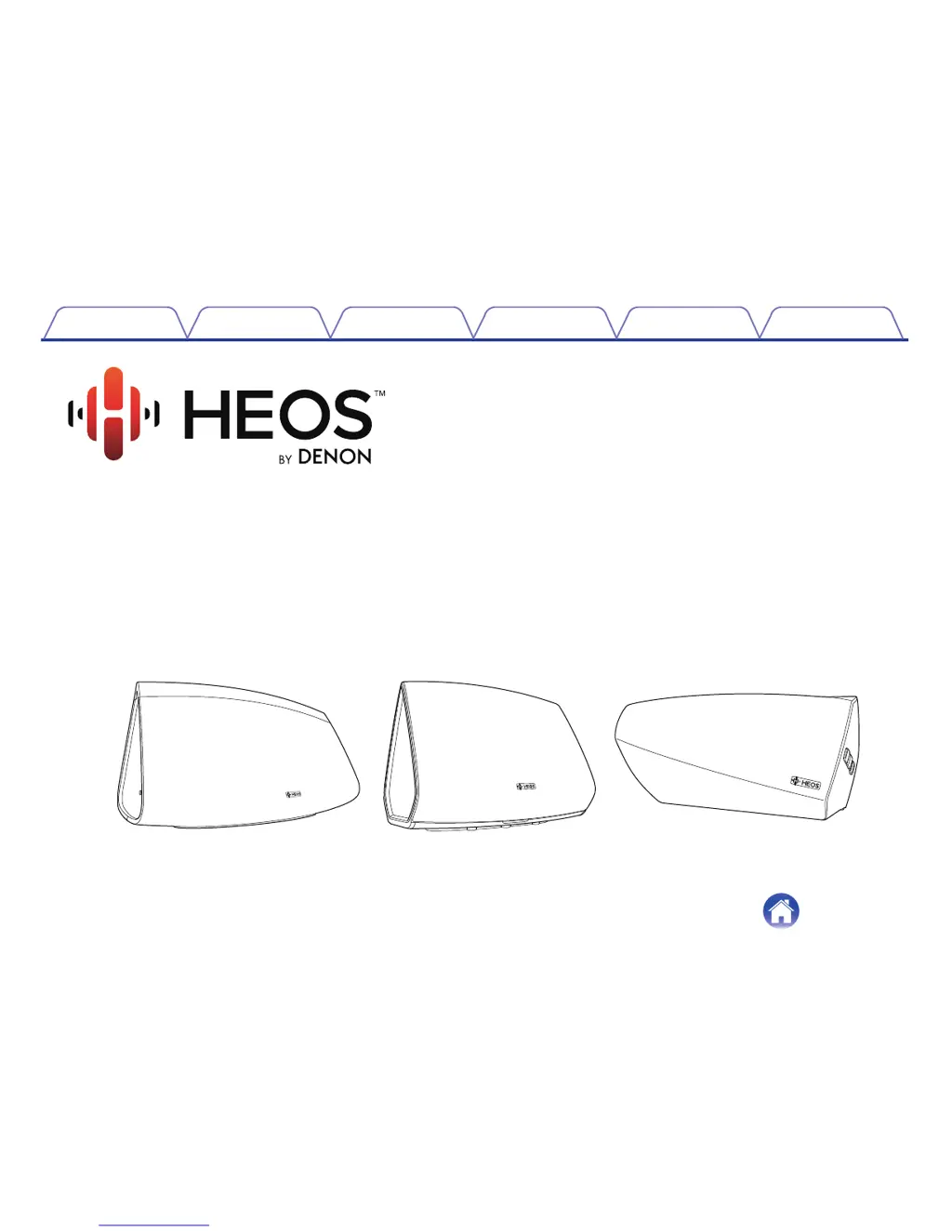
Wireless Speaker
Owner’s Manual
HEOS 7
HEOS 5
HEOS 3
.
Contents
Setup Use Troubleshooting Status LED Appendix
1

Questions and Answers

  • J
    jessicaandersonJul 27, 2025
    What to do if Denon Speakers show 'Device was not found'?
    • S
      Susan GriffinJul 27, 2025
      If you receive a “Device was not found” message, the speakers and controller device might not be on the same network. Try moving the speaker closer to your wireless router. Also, verify that the controller device is on the same network as your speakers and ensure no other electronic devices are interfering with your wireless network signals. If the speakers are far from the router, consider adding a Wireless Range Extender like the HEOS Extend. If your wireless router is incompatible with the HEOS speaker, use the optional HEOS Extend Wireless Range Extender and hard-wire it to your router.
  • K
    Kimberly GarciaAug 6, 2025
    Why does my Denon Speakers music cut out or delay?
    • K
      Kelly WarrenAug 6, 2025
      If your music cuts out or delays, ensure your internet connection is working correctly and that your speakers are within range of your wireless network. Also, make sure your speakers aren't near other electronic devices that could interfere with wireless connectivity.
  • A
    Andrew HernandezAug 16, 2025
    Why is there a delay when using AUX Input on Denon Heos 7 Speakers with my TV?
    • A
      Amber HarmonAug 16, 2025
      The HEOS system buffers audio before sending it to the speakers to ensure simultaneous arrival. If you're connecting the AUX input with your cable or satellite box to enjoy TV audio through multiple HEOS speakers, you might notice a delay. You can avoid this delay by listening only to the speaker directly connected to the set-top box.

Summary

Setting Up Your First HEOS Speaker

Using Your HEOS Device

HEOS Account Management

Listening to Music in Multiple Rooms

Grouping Rooms

Step-by-step guide on grouping HEOS devices to play synchronized audio.

Stereo Pairing

Creating a Stereo Pair

Guides users through the process of pairing two HEOS speakers for stereo sound.

Using the Now Playing Queue

Making Speaker Adjustments

Firmware Upgrade

Updating Your System

Basic Troubleshooting

My Speaker Wont Connect to Network

Troubleshooting steps for network connection problems when using an audio cable.

Music Cuts Out or Delays

Resetting Your Speaker

Restoring Speaker to Factory Defaults

Denon Heos 7 Specifications

General IconGeneral
RMS rated power- W
Audio output channels- channels
BluetoothYes
Headphone connectivity3.5 mm
USB 2.0 ports quantity1
Apple Lightning docking connector-
USB connector typeUSB Type-A
Product colorWhite
Volume controlDigital
AC input voltage100 - 240 V
Power source typeAC
Weight and Dimensions IconWeight and Dimensions
Depth479 mm
Width203 mm
Height164 mm

Related product manuals