Listening to music via a digital
connection (COAXIAL/OPTICAL-1/
OPTICAL-2)
1
Press q to select the input source to “COAXIAL”,
“OPTICAL-1” or “OPTICAL-2”.
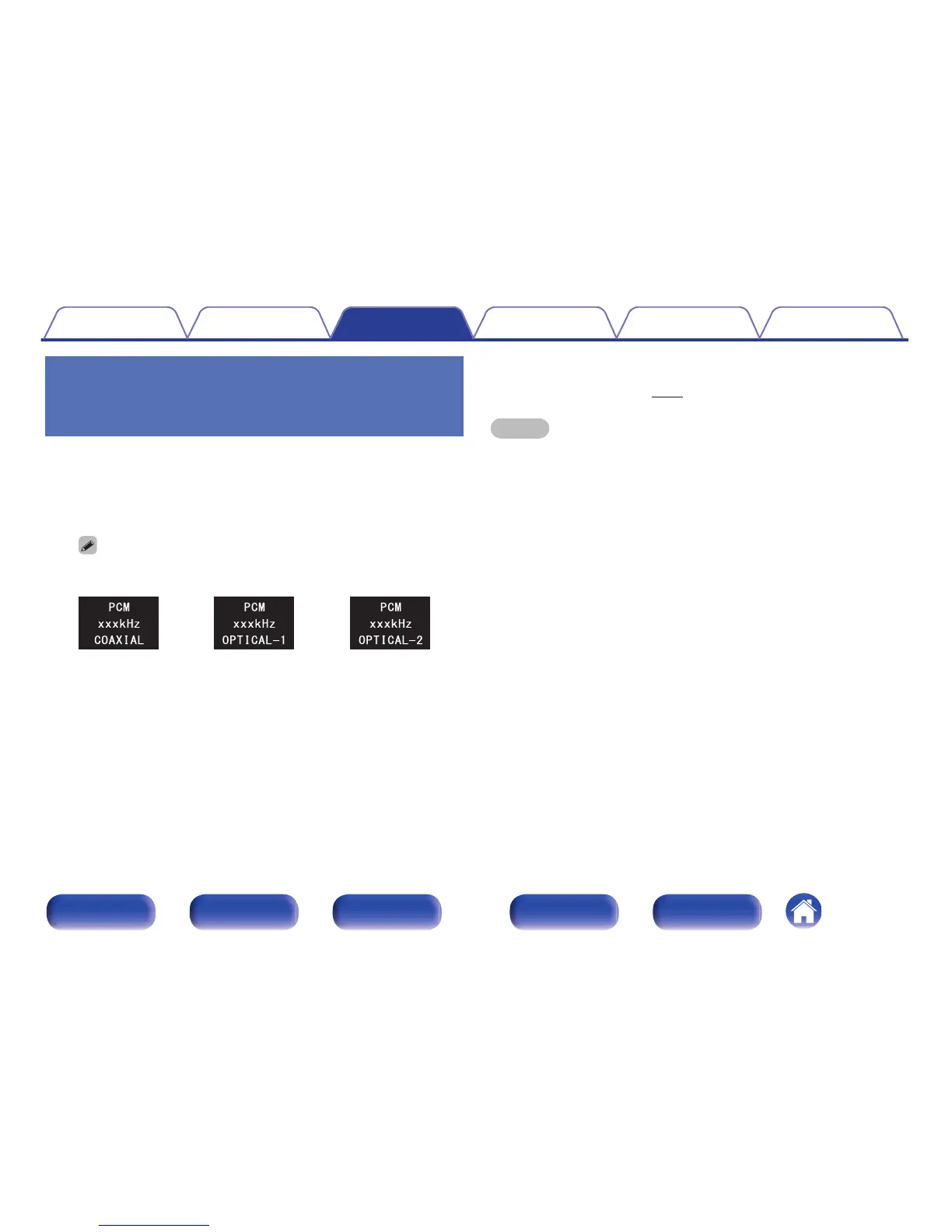
The digital audio signal that is being input is shown as follows in the
display.
You can also press INPUT SELECT df on the remote control unit for this
operation.
.
(xxxx is the sampling frequency.)
0
If the sampling frequency cannot be detected, “Unlocked” will be
displayed.
0
“Unsupported” is displayed when audio signals that are not
supported by this unit are input.
o
Files that can be played back
See “D/A converter” (v p. 59).
NOTE
0
Do not input non-PCM signals, such as Dolby Digital, and DTS. This causes noise
and could damage the speakers.
0
If the sampling frequency switches, such as from A mode to B mode in a CS
broadcast, muting may operate for 1 – 2 seconds, cutting the sound.
Contents
Connections Playback
Setting procedure
Tips Appendix
35
Front panel Display Rear panel Remote Index


 To Next Page