8
Example 2
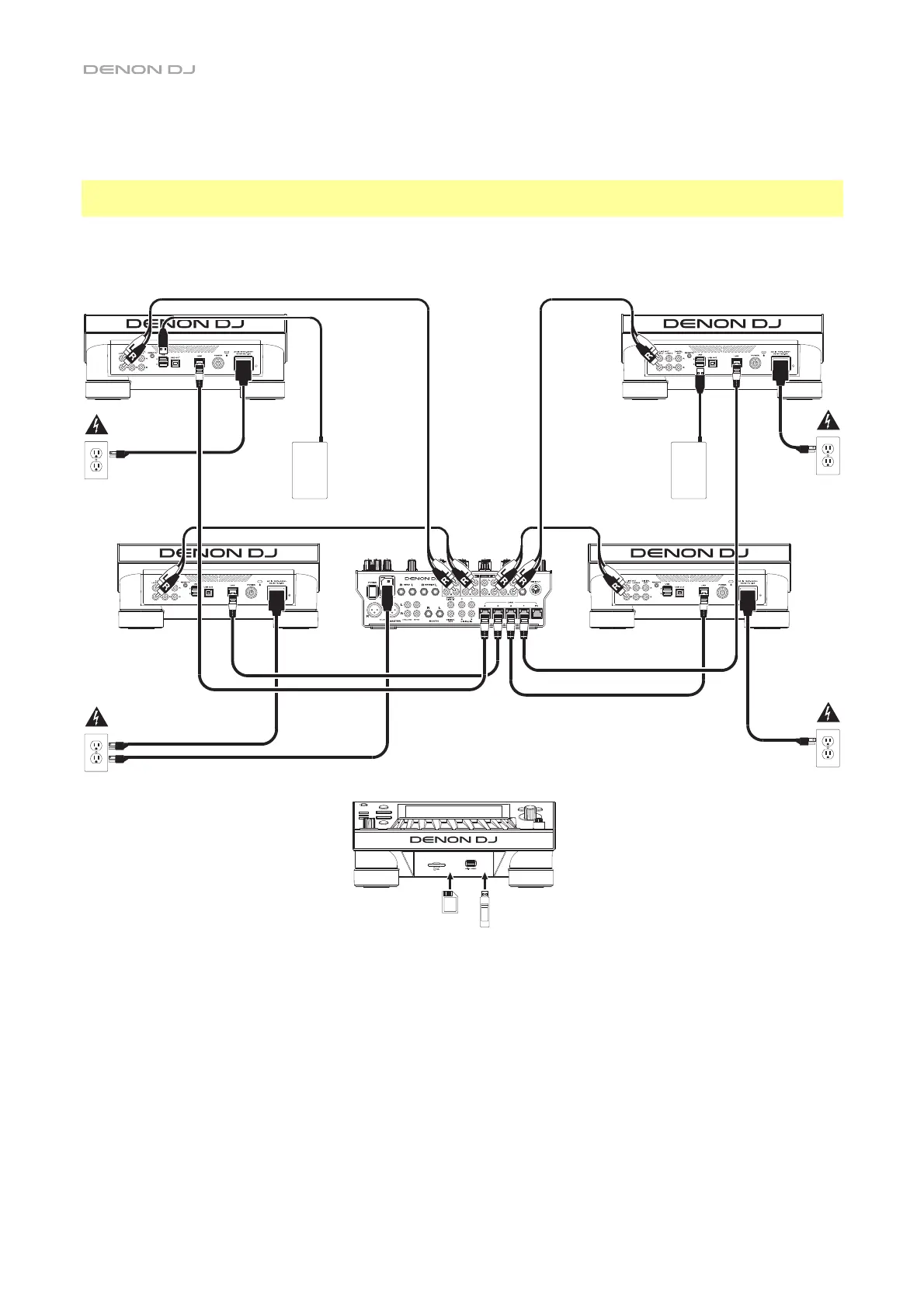
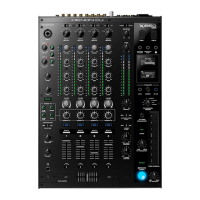
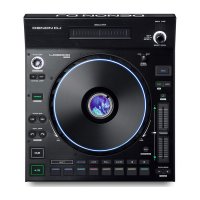
This example shows 4 PRIME units with their Link ports connected to Link Ports 1–4 of a Denon DJ mixer.
All 4 units are networked through the mixer.
Note: If you will use a different mixer with this setup, connect the Link ports all 4 SC5000 PRIME units to an
Ethernet hub instead of to the mixer.
RF Warning: This is a mobile device. Maintain a distance of at least 8 inches / 20 centimeters of separation
between the transmitter’s radiating structure(s) and your body or other people nearby.
USB
drive
USB
drive
SC5000 PRIME
(rear panel)
SC5000 PRIME
(rear panel)
SD card
SC5000
PRIME
(rear panel)
SC5000
PRIME
(rear panel)
USB drive
Power
outlet
Power
outlet
Powe
Powe
Denon DJ mixer
(rear panel)
SC5000 PRIME
(front panel)


 To Next Page