SWITCHING THE ALARMS ON OR OFF
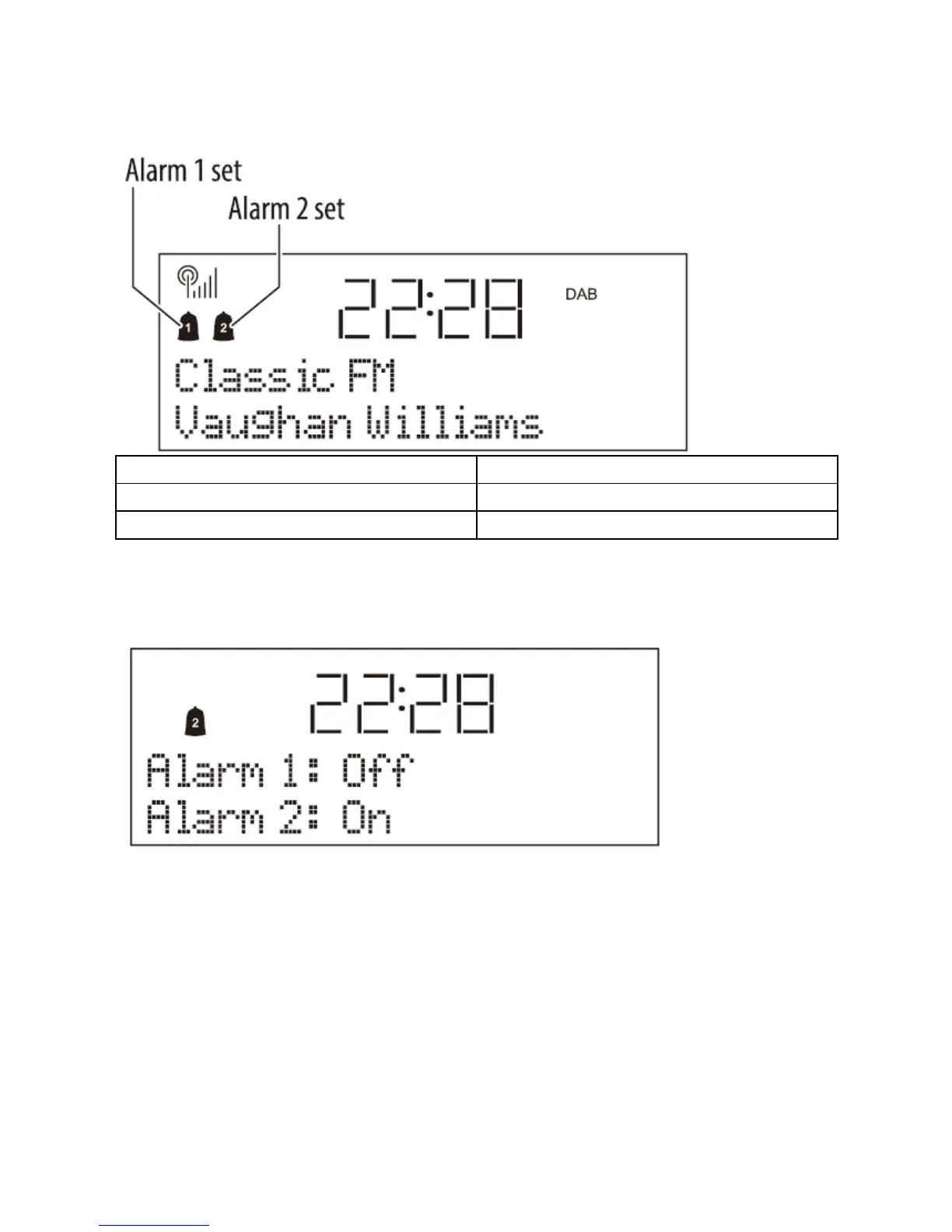
The alarm indicators on the display show when the alarms are activated.
En
Alarm 1 set
Alarm 2 set
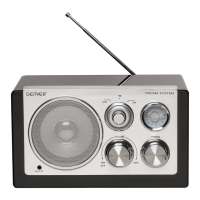
To switch the alarms on or off once set:
• Set the radio to Standby.
• Press the Alarm button.
The current alarm status is displayed.
• Turn the Station/Select control to change the alarm status.
• Press the Station/Select control to confirm.
WAKING TO THE ALARMS
• Check that the alarm indicators are displayed as required. If not, set the Alarm(s) On
as described in the previous section.
• Set the radio to Standby (or set the SLEEP function).
The radio will switch off and the time and date will be displayed with the Alarm Symbol(s).
WHEN THE ALARM WAKES YOU
ENG-15


 To Next Page