12
Important: Press ▲and ▼ buttons at the same time, then press the power button and select P3 mode, when
parameter value is 0, it will start with zero. When parameter value is 1, it will start with non-zero.
(Zero start: When starting, the Electric scooter in a stationary case, press the accelerator to start driving.)
(Non-zero start: When starting, the scooter is static, press the accelerator and the Electric scooter does not work, push
the Electric scooter manually to start driving, the Electric scooter works. factory default is non-zero start.)
You have to manually move the Electric scooter with your foot before the accelerator handle are working.
9. Riding Electric scooter
1. Press ▲ and ▼ buttons to adjust speed level.
2. Press the accelerator button to accelerate, so you can drive;
3. Press the brake button to brake;
4. When you press the accelerator and electric brake button at the same time, the Electric scooter will automatically
brake;
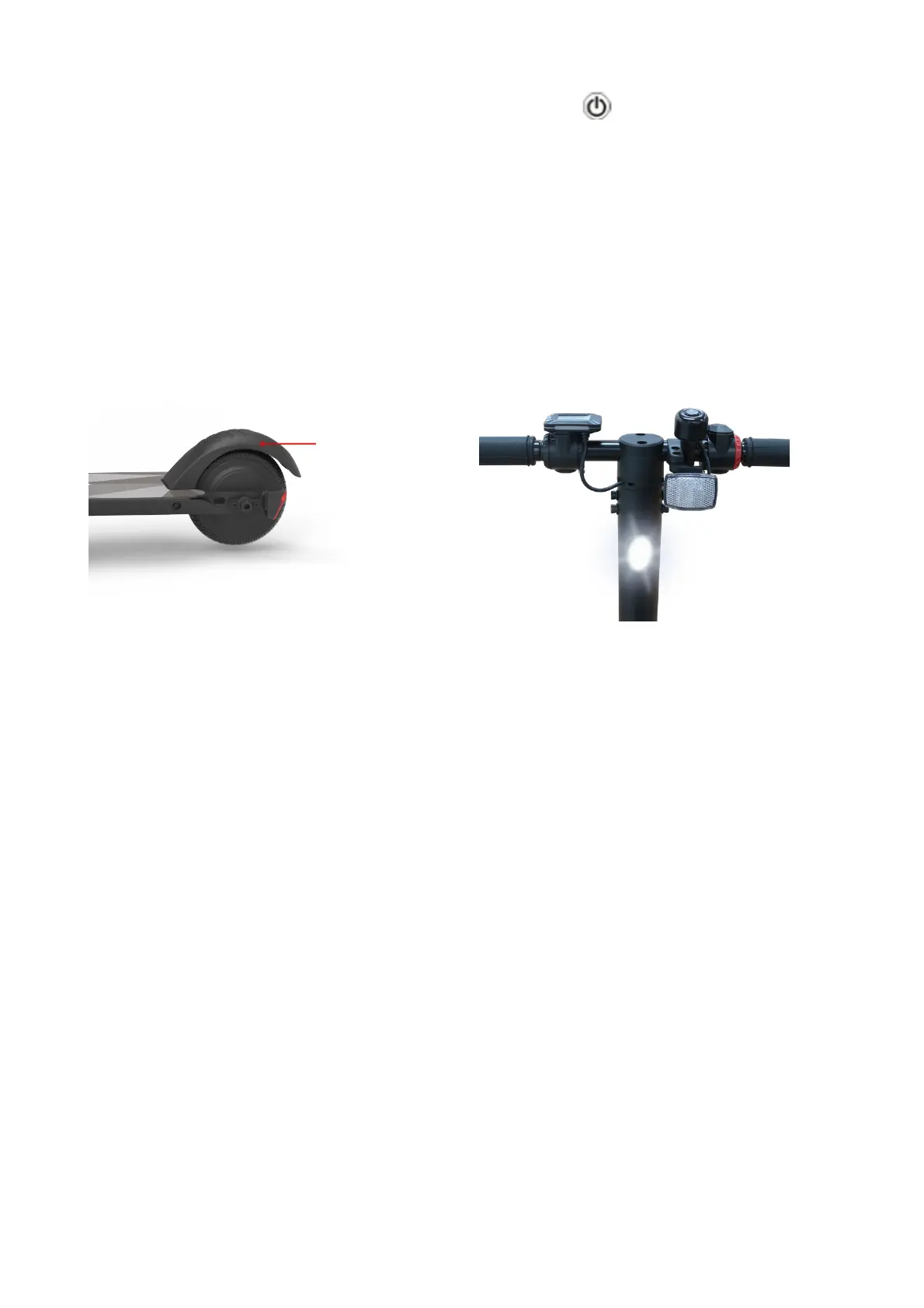
5. For safety, the rear wheel brake system must be used when driving at high speed.


 To Next Page