5. Menus
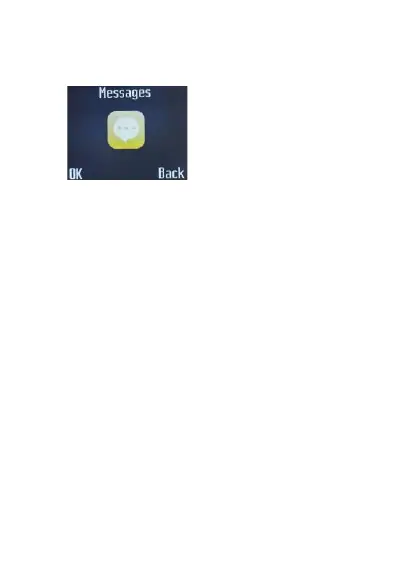
Messages
Here you can write and send messages.
Function: Compose a new message, save and/or send it to the recipient.
Note: to send SMS, you need to set the correct SMS service center
number which can be obtained from your network provider.
While composing, press the # button to change the input method. A
text message can be up to 160 characters in length and may contain
pictures and ring tones (EMS).
⚫
Send to: To send the composed message, input the recipient’s
number using the keypad or select a contact from your Phonebook.
⚫
Insert symbol: Insert special symbol
⚫
Input method: Select other input method
⚫
Insert template: Choose preset SMS.
⚫
Advanced: You can also select a contact and then insert the phone
number.
⚫
Save: Save the message to drafts.
Note: 1. To send SMS, you need to set the correct SMS service
center number which can be obtained from network provider.
If [SMS settings/Common settings/Save sent message] is [On], the
successfully/unsuccessfully sent SMS will be both saved to Outbox;
otherwise the SMS will not be saved.
Write messages
While composing, press the # button to change the input method. A text
message can be up to 160 characters in length


 To Next Page