ENG-3
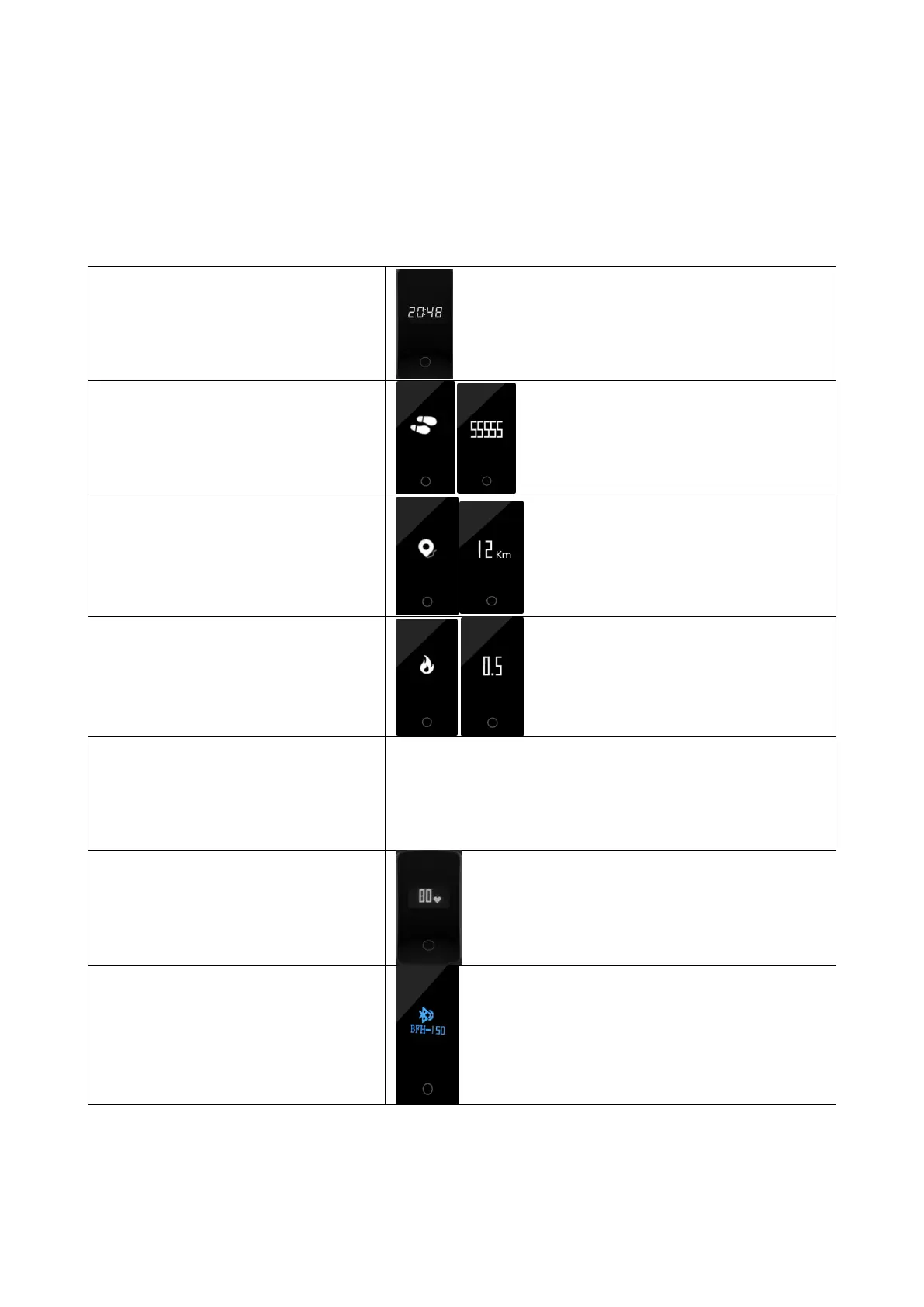
Once the device connected to the app successfully, it will sync
your activities and sleep data automatically, please press the
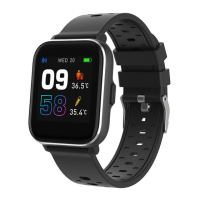
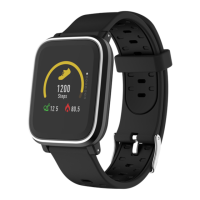
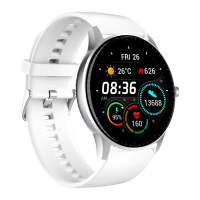
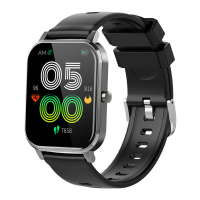
touch area on the device to switch into different display modes as
following:
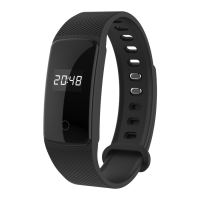
The fitness band can record your
sleep from 22:00 to 9:00. Sleep data
can be found in “Denver Smart Life”.
Note: Long press touch area:


 To Next Page