BUILT-IN TWS FUNCTION
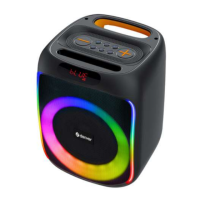
• Power on the first BPS-451 speaker and connect it to a
Bluetooth device.
• Power on the second BPS-451 speaker and set the mode
to Bluetooth (Do not pair any devices).
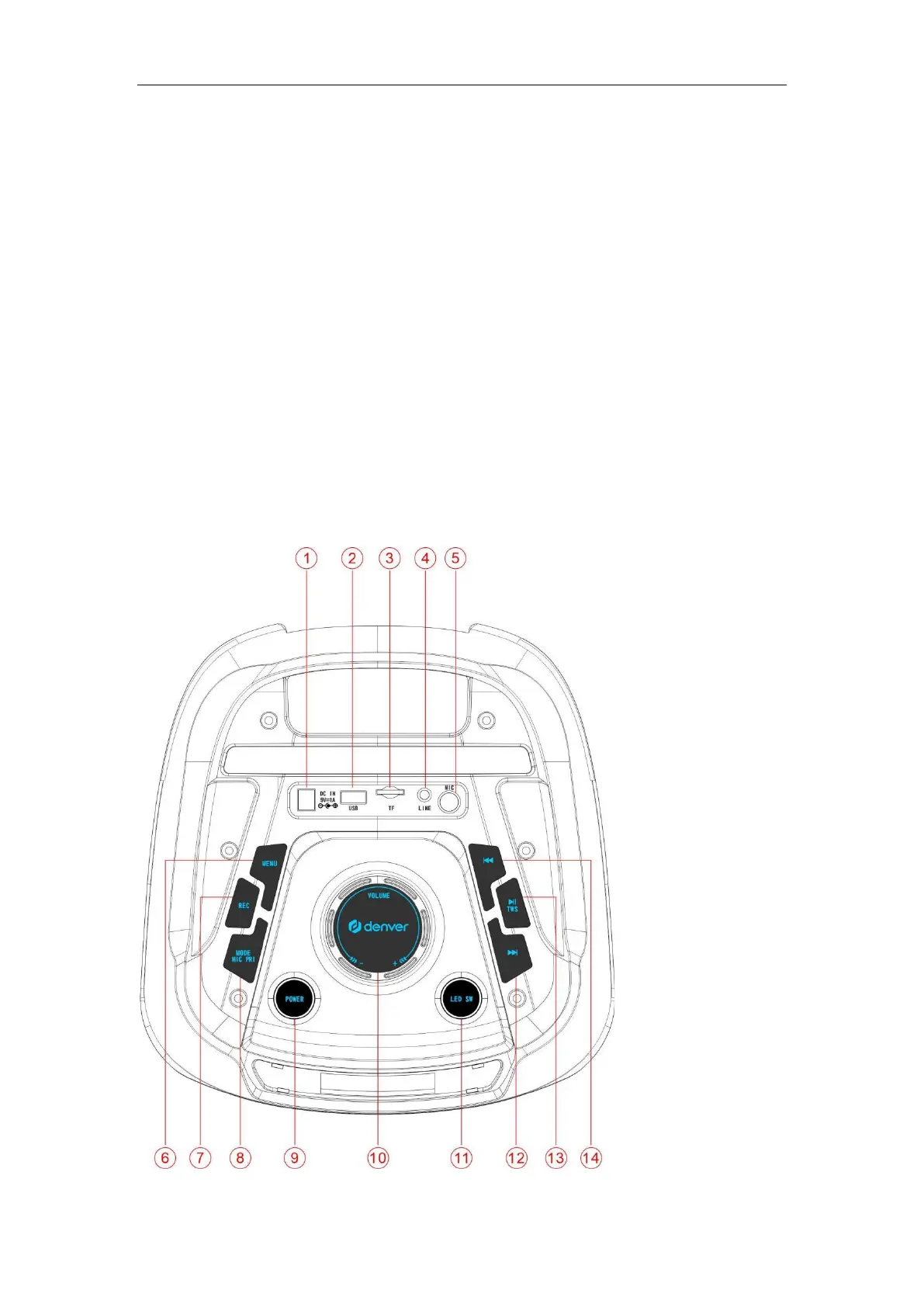
• Simultaneously press and hold the PAUSE/PLAY TWS
button of both speakers, you will see “TWS-ON” in the LED
display.
• Play audio from your Bluetooth device. The audio will be
transmitted through both speakers.
FRONT PANEL FUNCTIONS


 To Next Page