electronic medical devices.
11. The units are not waterproof. If water or foreign objects enter the unit, it may
result in fire or electric shock. If water or a foreign object enters the unit, stop
use immediately.
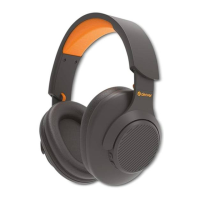
Key Operating Instructions:
(1). Bluetooth pair(Power on/off) key
* Long press the button three seconds to power on/off. Power on the headphone,
open the Bluetooth device and search the pairing name “BH918” and connect it.
*When getting a calling: Once press to answer the call, long press is to refuse,press 2
times continuously to redial.
(2). +:
In wireless mode,Short press: next song; long press: volume up
(3). -:
In wireless mode,Short press: previous song;long press: volume down
(4). Pause/start key:
Once press to pause/start the play in wireless mode
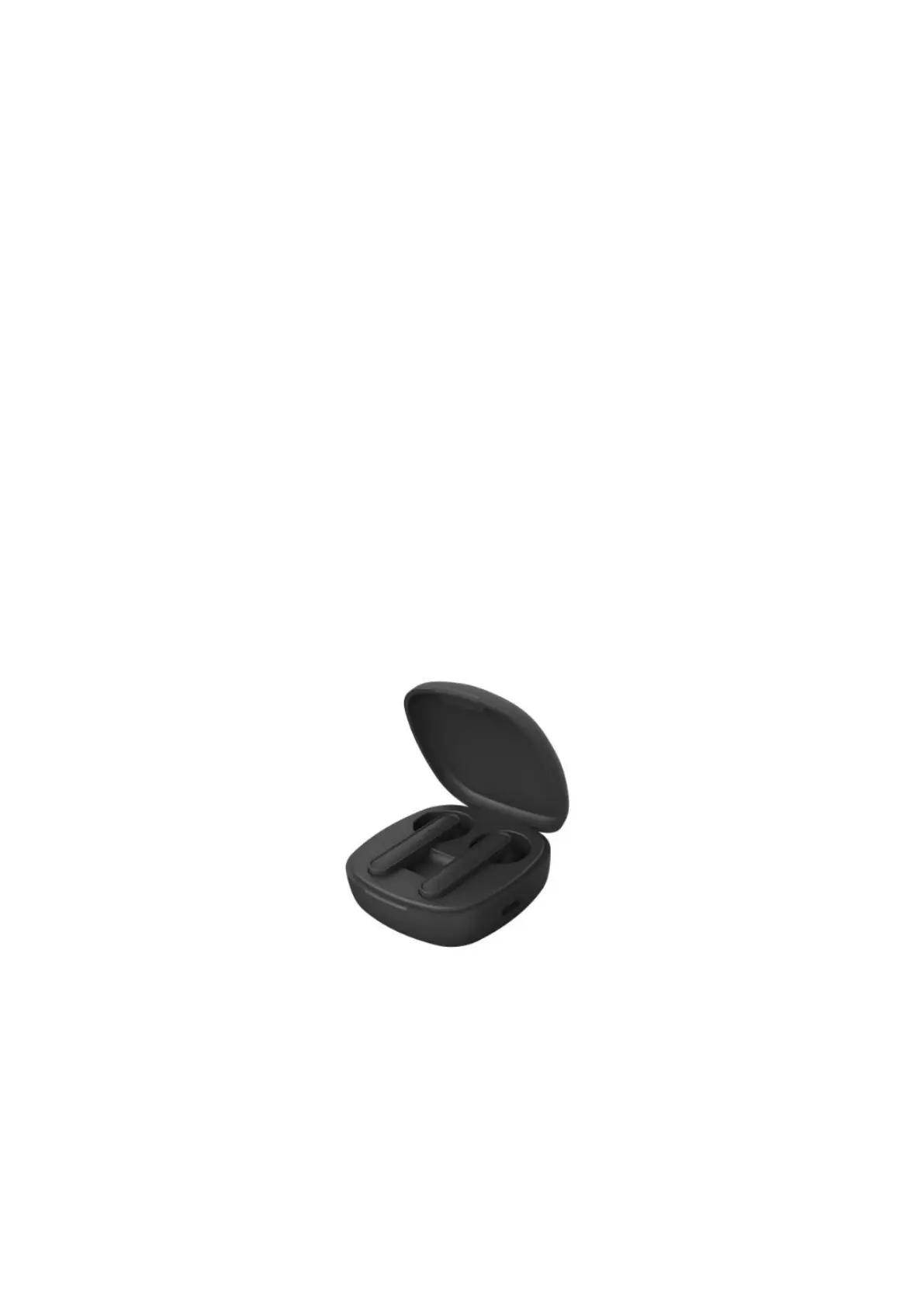
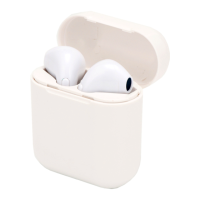
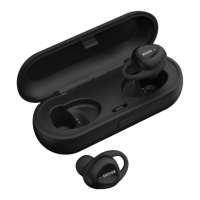
TWS Earphone
Key Operating Instructions:
1. Take out the earphones and open the bluetooth device and search the pairing
name “G31” and connect it
2. Left earphone: Touch once to decrease the volume; Double touch to play/pause
the music; Triple touch to enter “Siri”; Long touch 2-3seconds to previous song
3. Right earphone: Touch once to increase the volume; Double touch to play/pause
the music; Triple touch to enter “Siri”; Long touch 2-3seconds to next song



 To Next Page