7
What's in the box:
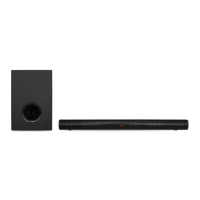
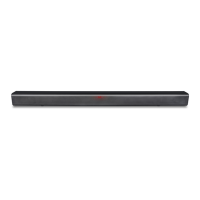
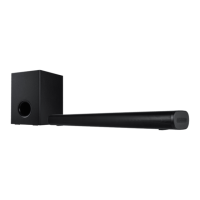
⚫ 1* Soundbar
⚫ 1* Subwoofer
⚫ 2* Power Adaptor
⚫ 1* User Manual
⚫ 1* Remote Control
⚫ 1* Wall Mount Bracket
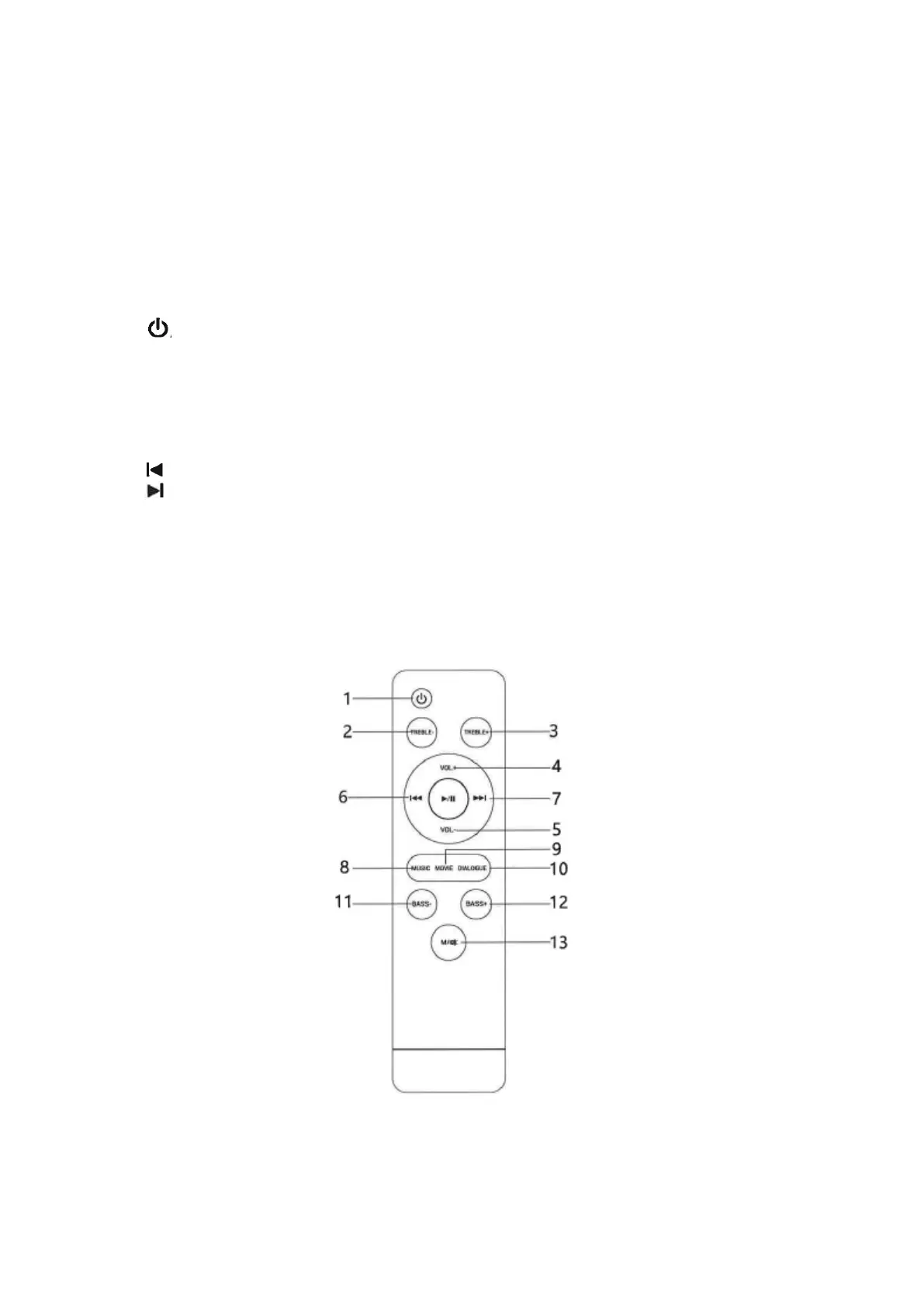
Remote control
1: : Short press to switch the soundbar unit on or off (standby).
2: TREBLE-: Press to decrease the treble effect.
3: TREBLE+: Press to increase the treble effect.
4: VOL+: Short or long press to turn the volume up. Short press to switch mute off if mute function is
on.
5: VOL-: Short or long press to turn the volume down. Short press to switch mute off if mute function is
on.
6: : Press to jump to previous song in Bluetooth/USB/TF mode.
7: : Press to jump next song in Bluetooth/USB/TF mode.
8: MUSIC: Press to select Music sound effect settings.
9: MOVIE: Press to select cinema sound effect settings.
10: DIALOG: Press to select Speech sound effect setting.
11: BASS-: Press to decrease the bass effect. Short press to switch mute off if mute function is on.
12: BASS+: Press to increase the bass effect. Short press to switch mute off if mute function is on.
13: M: Press to change Input source / Long press to mute function on or off.


 To Next Page