Media Player
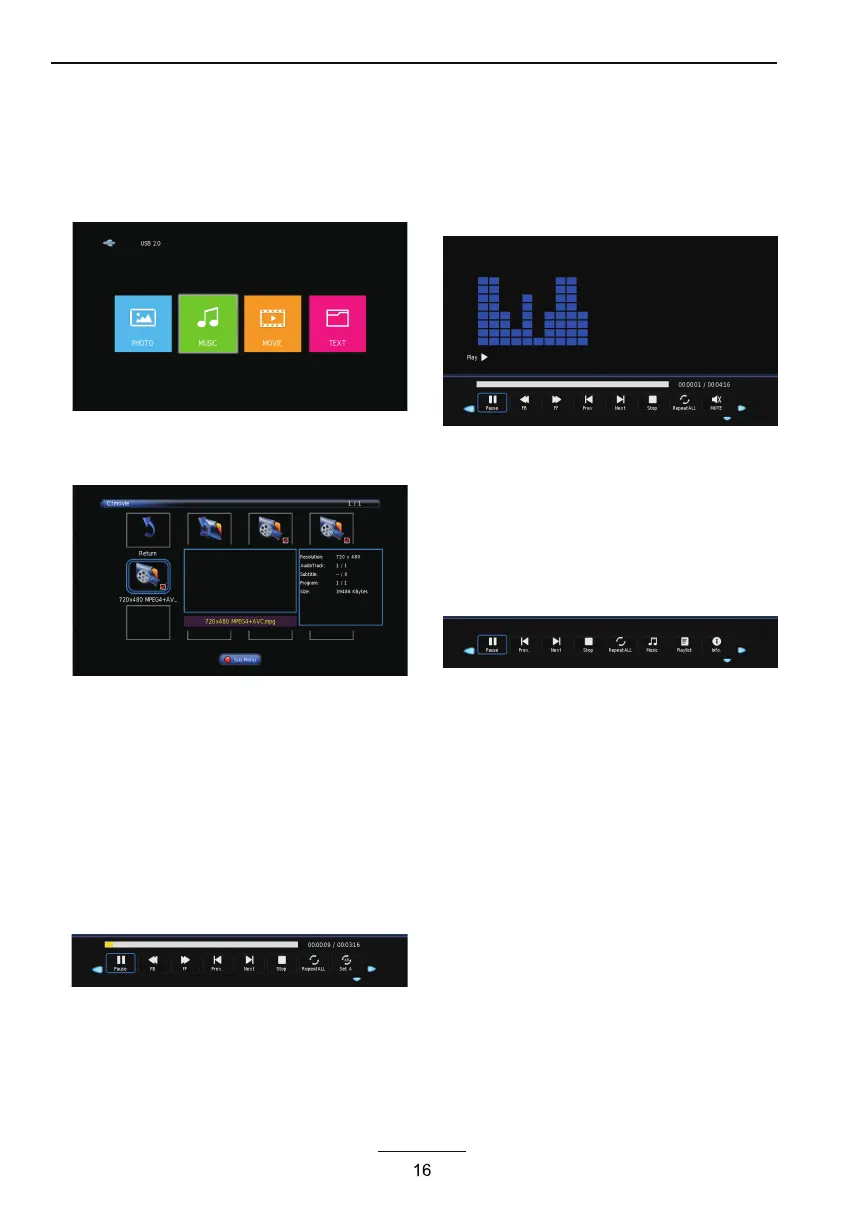
In the option of Media Player on MainMenu,Press
[OK] to enter the Media Player menu, see the picture
as follows:
Press [LEFT]/[RIGHT] to select Movie, Music or
Photo.
Take Movie function for example, when there is
focus point on Movie function,press [OK] button to
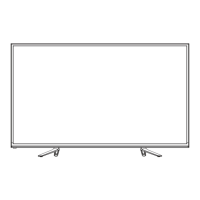
enter into File Selector menu
On FileSelector menu, select film source that
needs to be play according to the hint. Press
[PLAY/PAUSE] button to enter into the play
mode of full screen; press [PLAY/PAUSE] to
return to Media Player menu.
1. Movie
press [OK] button to enter into FileSelector
menu. Select the file you want to play, press
[PLAY/PAUSE] to enter into full screen play. Press
[LEFT]/[RIGHT] button to move cursor, and operate
according to different hint.
2. Music
In the same way, on Media Player menu, move
cursor to Music, press [OK] button to enter into
FileSelector menu. Select the file you want to play,
press [PLAY/PAUSE] to enter into full screen play.
Press [LEFT] /[ RIGHT] button to move cursor, and
operate according to different hint.
3. Photo
In the same way, on Media Player menu, move cursor
to Photo, press [OK] button to enter into FileSelector
menu. Select the file you want to play, press
[PLAY/PAUSE] to enter into full screen play. Press
[LEFT]/[RIGHT] button to move cursor, and operate
according to different hint.



 To Next Page