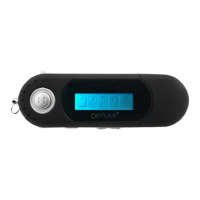
• It supports the music format of MP3/WMA
•• Built-in rechargeable battery
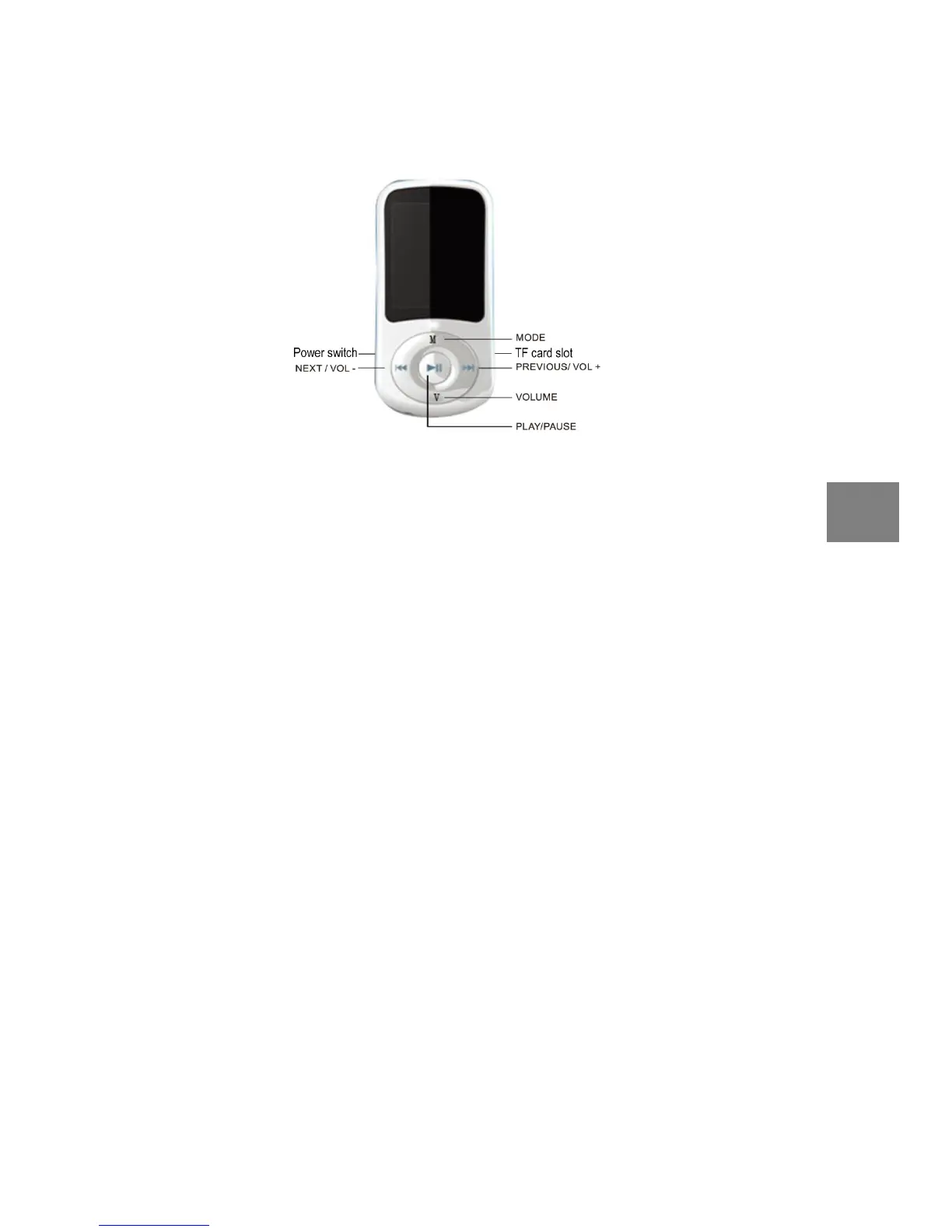
1. Play/Pause:Short press Play/Pause music ; Long press Power on/off
2. VOLUME:Press VOL to access volume menus.
3. PREV:Last item
4. NEXT:Next item
5. MODE: Short press the menu to confirm ; Long press return.
6. Power on/off: Connect or disconnect the power supply.
Through the USB cable connected to the computer, the information in hard copy need to MP4.
1、 Use the computer USB charging
USB cable can be used for data transmission, charging at the same time。
2、 Use the charger(No configuration)
Input:110v~240v 50/60HZ 100mA
Output:DC5.0V-5.5V 500mA(USB)
Interface standards:MICRO USB
1、 Open the power supply;
2、 Long press the play/pause key 3-5s open the player.
The main interface
Feature selection:Short press on the prev /next can browse each option.
The Play/Pause to confirm: Short press the Play/Pause to confirm.
1. Play/Pause music:
Short press “PLAY/PAUSE” key to play/ pause music
2. Select music:
PRE: Short press PREV key to select previous track
NEXT: Short press NEXT key to select next track
3. Control volume:


 To Next Page