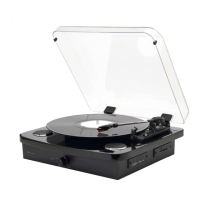
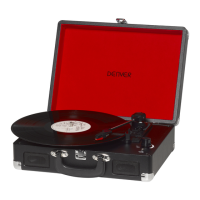
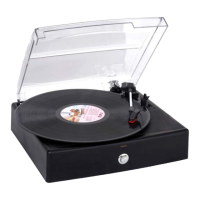
FM RADIO
If you are not in FM mode, repeatedly short press the Source button to go to FM mode
(check the display). If you were listening to an FM station when you switched the
product to standby mode then this station will be automatically selected when you
switch the product back on.
Wire radio aerial
Please make sure that the wire aerial on the back of the Retro turntable is fully
extended and adjusted before you attempt to tune to an FM radio station (a vertical
position is recommended). This will ensure that the maximum signal strength is
available when the product begins to scan. Extending the aerial also ensures the best
possible sound quality.
Tuning to an FM station
In FM mode:
Long press the Tune/Skip + button to scan up the frequency band.
Long press the Tune/Skip - button to scan down the frequency band.
Short press the Tune/Skip + or - button to adjust the frequency band in 0.05MHz
steps.
Note: If reception is poor, check whether the wire aerial is fully extended or try moving
the product to another location.
Storing an FM station preset
Your Retro Turntable can store up to 20 FM stations in its preset memories for instant
access to your favorite stations.
1. Tune the Retro Turntable to the FM radio station that you wish to preset.
2. Long press the Preset button on remote control to Preset Store until "01 (Empty)"
starts to show on the display,where "01(Empty) to "20 (Empty) ” are the preset
numbers
3. Short press the ▲ or ▼ button on the remote control or use the Tune/Skip+ or -
button on the Retro Turntable to move the preset number that you would like to
store the radio station to (1-20).
4. Short press the Select button on remote control. 'Preset 01 stored' the preset has
been stored.
Note: If there is an existing FM station stored under a preset, it will be overwritten
when you store new stations.


 To Next Page