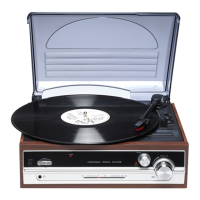
5. Select the correct speed for your record using the RPM
selector switch.
6. Choose to turn the auto stop for the turntable on or off, as
required.
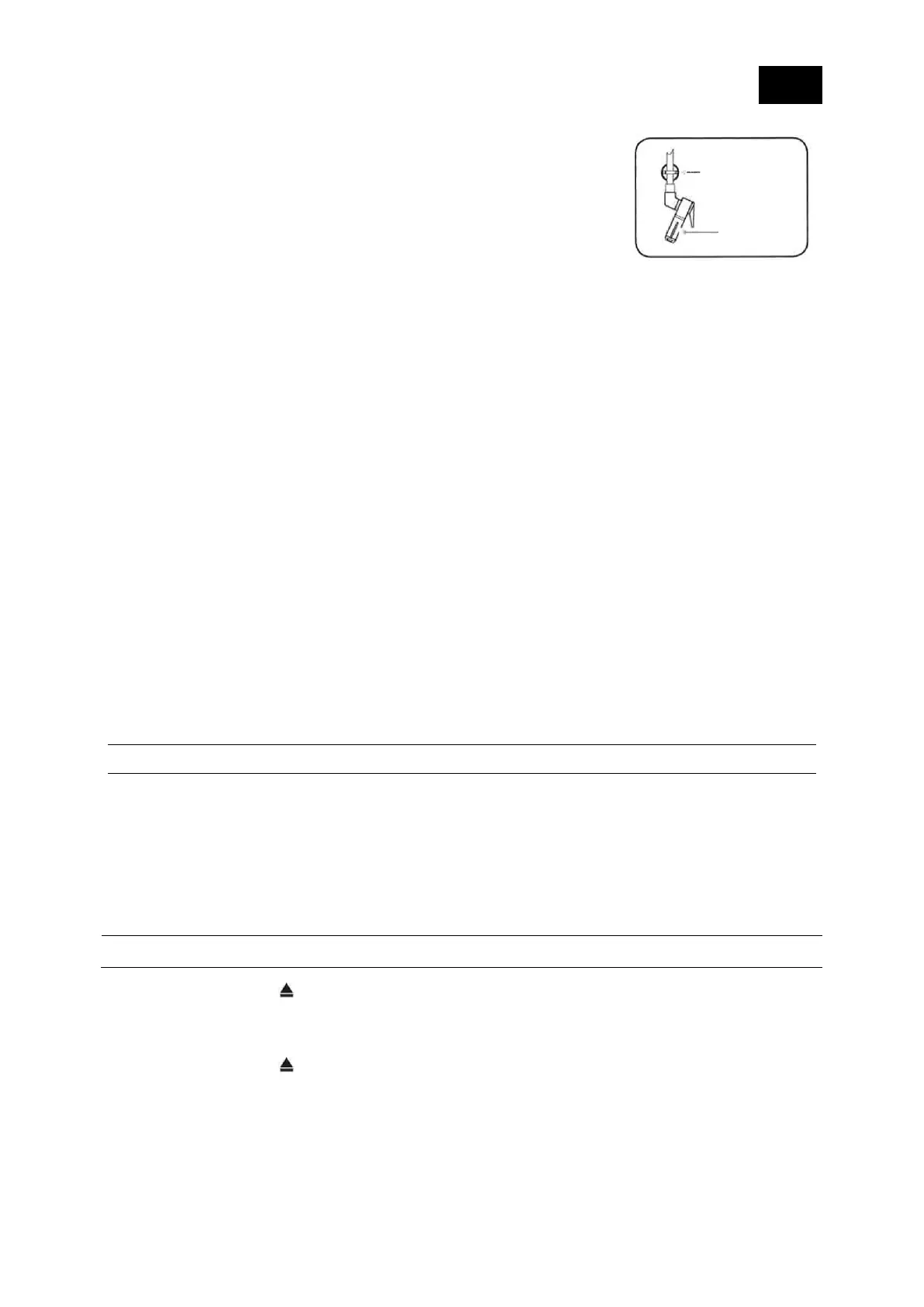
7. Use the tone arm lever to lift the tone arm.
8. Move the tone arm across to your record.
9. Use the tone arm lever to gently lower the stylus onto the
groove on your record. Your record will begin to play.
10. Use the large right hand rotary control to adjust the
volume.
11. At the end of the record, if you have selected auto stop,
the turntable will stop turning automatically, otherwise it
will continue to turn until you change the mode or switch
the product to Standby mode.
12. Use the tone arm lever to lift the tone arm.
13. Move the tone arm across to the rest position.
Suspend playing
To temporarily suspend playing your record.
1. Use the tone arm lever to lift the tone arm and stylus from the record.
2. To resume play, use the tone arm lever to gently lower the stylus onto your record
again.
CD PLAYER
Check that your Retro Turntable is in CD mode. If you are not in CD mode,
repeatedly short press the Source button until you are in CD mode (check the display).
The display will show 'CD', followed by ‘- - -’. If the CD compartment is empty, 'NO
Disc' will then be displayed.
Play a CD
Note: It is not possible to play DVD or computer CDs or MP3 CDs.
1. Short press the . button to open the CD drawer. 'OPEN' will be displayed..
2. Place an audio CD on to the CD tray with the CD's label side up. Please ensure
that the CD is lying flat within the recessed CD shaped area on the tray.
3. Short press the button. The CD drawer will close,‘- - -' will be displayed and
after a short delay the first track will begin to play; the elapsed time of the track will
be displayed.


 To Next Page