EasyManua.ls Logo

Denver MT-979DVBT - User Manual

Denver MT-979DVBT
8 pages
Print Icon
To Next Page IconTo Next Page
Loading...
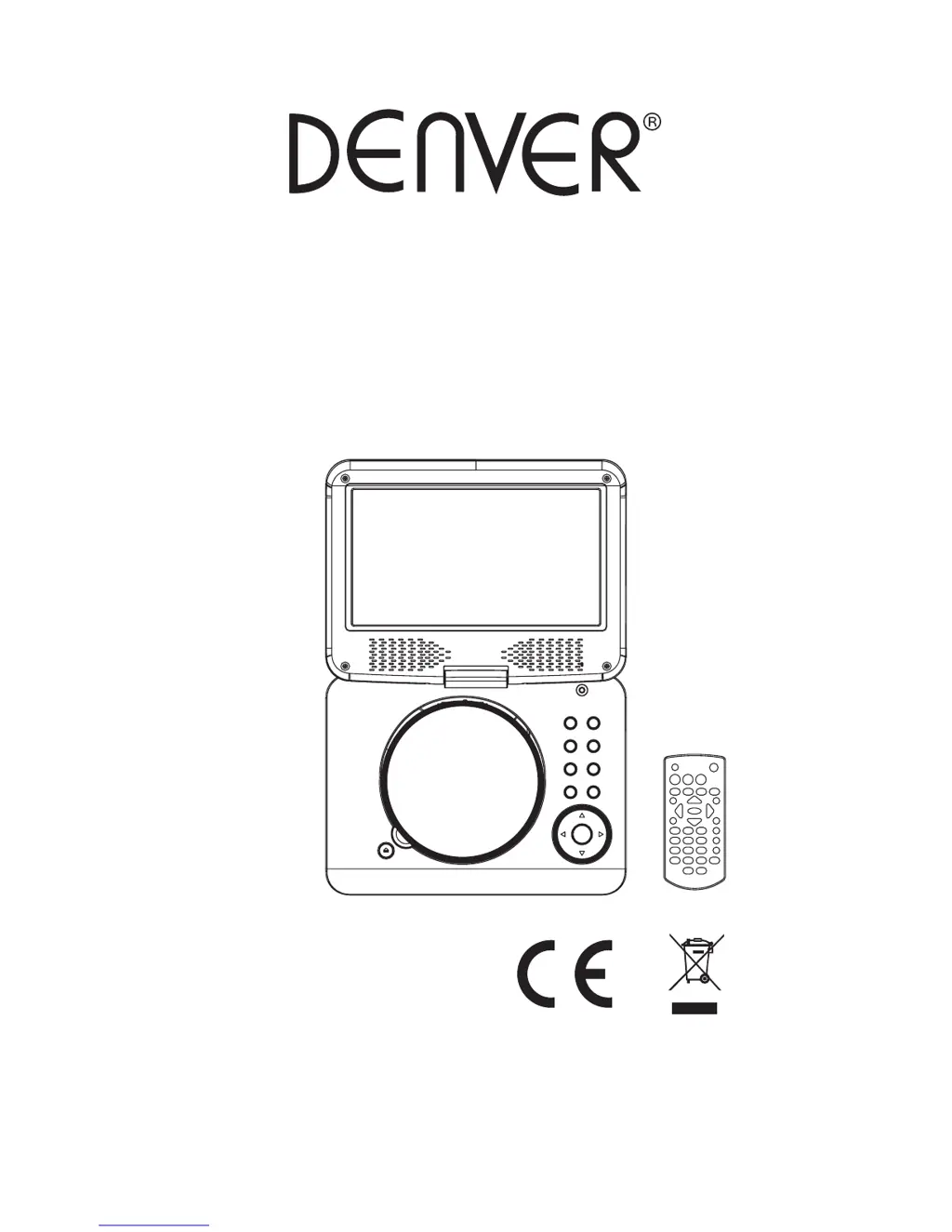
Operating Manual
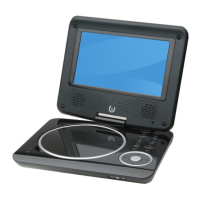
PORTABLE LCD DVD PLAYER
READ THESE INSTRUCTIONS INCLUDED IN THIS IM THOROUGHLY PRIOR TO CONNECTING AND OPERATING.
PLEASE RETAIN THIS MANUAL IN CASE YOU MAY NEED IT FOR FUTURE REFERENCE.
THE ILLUSTRATIONS & GRAPHICS HEREIN ARE FOR REFERENCE ONLY AND SUBJECT TO CHANGE WITHOUT NOTICE.
Model: MT-979DVBT
ALL RIGHTS RESERVED, COPYRIGHT DENVER ELECTRONICS A/S,www.denver-electronics.com

Questions and Answers

  • T
    Tanya RobertsAug 6, 2025
    Why is there no picture or sound on my Denver Portable DVD Player?
    • K
      Karen RamirezAug 6, 2025
      If you're not getting any picture or sound, first ensure the A/V cables are securely connected. Make sure you're using a compatible disc format like DVD, DVD-RW, or AUDIO CD, and that the disc isn't scratched or dirty, with the label-side facing up. If viewing with a TV, check that the TV channel is set to VIDEO or AV. If the issue persists, the DVD player's pick-up lens may be dirty.
  • K
    Kelly SheltonAug 11, 2025
    What to do if the remote control won't work with my Denver MT-979DVBT?
    • O
      ohartmanAug 11, 2025
      If the remote control isn't working, verify that the battery is correctly inserted in the '+' and '-' direction. Replace the battery with a new one if it's flat. Also, make sure the remote control is pointed directly at the remote control sensor on the DVD player, and there are no obstacles blocking the signal.
  • Z
    zamorajesseAug 15, 2025
    Why does my Denver MT-979DVBT have no sound?
    • S
      Steven NelsonAug 15, 2025
      If there's no sound, check that the display panel is open, as audio won't output to the speakers when it's closed. Also, verify the volume setting isn't set to zero and ensure headphones aren't plugged into the PHONES socket, as speakers cannot be used when headphones are connected.
  • H
    humphreyoliviaAug 19, 2025
    Why does my Denver Portable DVD Player have no picture and sound?
    • S
      savagelukeAug 19, 2025
      If your Denver Portable DVD Player has no picture and sound, check that the battery is properly installed and the adapter is properly connected.
  • S
    Shirley WilliamsAug 25, 2025
    How to fix distorted video or sound on Denver MT-979DVBT Portable DVD Player?
    • B
      Brandy CraigAug 25, 2025
      To resolve distorted video or sound, make sure you are using a disc without scratches or dents.
  • A
    Allison RoseAug 27, 2025
    What to do if my Denver MT-979DVBT Portable DVD Player does not turn on?
    • T
      timothy64Aug 27, 2025
      If your Denver Portable DVD Player doesn't turn on, ensure the adapter is securely plugged in. Try turning the power off and then back on.
  • E
    Emily NobleSep 1, 2025
    What to do if my Denver Portable DVD Player does not turn on with the battery pack?
    • S
      Sandra HintonSep 1, 2025
      If the power doesn't turn on even with the battery pack in place, check that the battery pack is charged. If it's not, recharge it.

Summary

DVD Player and Remote Overview

Component Identification

Diagrams identifying the physical components of the DVD player and its remote control.

Connecting and Powering the Player

External Connections and Charging

Instructions for connecting to external devices, aerial, car adapter, and charging the battery.

Basic Operation and Playback Control

Steps for powering on, adjusting volume, muting, and skipping playback.

Advanced Playback and Media Features

Playback Control and Navigation

Using fast forward, rewind, slow motion, repeat, scene search, and programming.

Media and DVD Specific Functions

Playing MP3/MPEG 4, changing DVD audio/subtitle languages, and multi-angle viewing.

Media Playback and Initial Setup

Disc and External Media Playback

Playing Kodak Picture CDs, JPEG CDs, USB drives, and SD/MMC cards.

System Configuration and Settings

Accessing and modifying initial settings like TV system, screen saver, and password.

System Settings and DVB Operations

Detailed Setup Options

Configuring TV type, password, rating, language, video, and speaker settings.

Digital Video Broadcasting (DVB) Guide

DVB setup, program scanning, features, information, and favorite channels.

DVB Channel Management and System Configuration

DVB Channel and System Settings

Managing DVB channels, system configuration, and installation.

Disc Handling Precautions

Important guidelines for handling optical discs to prevent damage.

Troubleshooting and Safety Information

Resolving Player Issues

Solutions for common problems related to power, remote, display, and sound.

Safety and Environmental Guidelines

Critical warnings on player usage, battery safety, and proper disposal.

Denver MT-979DVBT Specifications

General IconGeneral
BrandDenver
ModelMT-979DVBT
CategoryPortable DVD Player
LanguageEnglish

Related product manuals