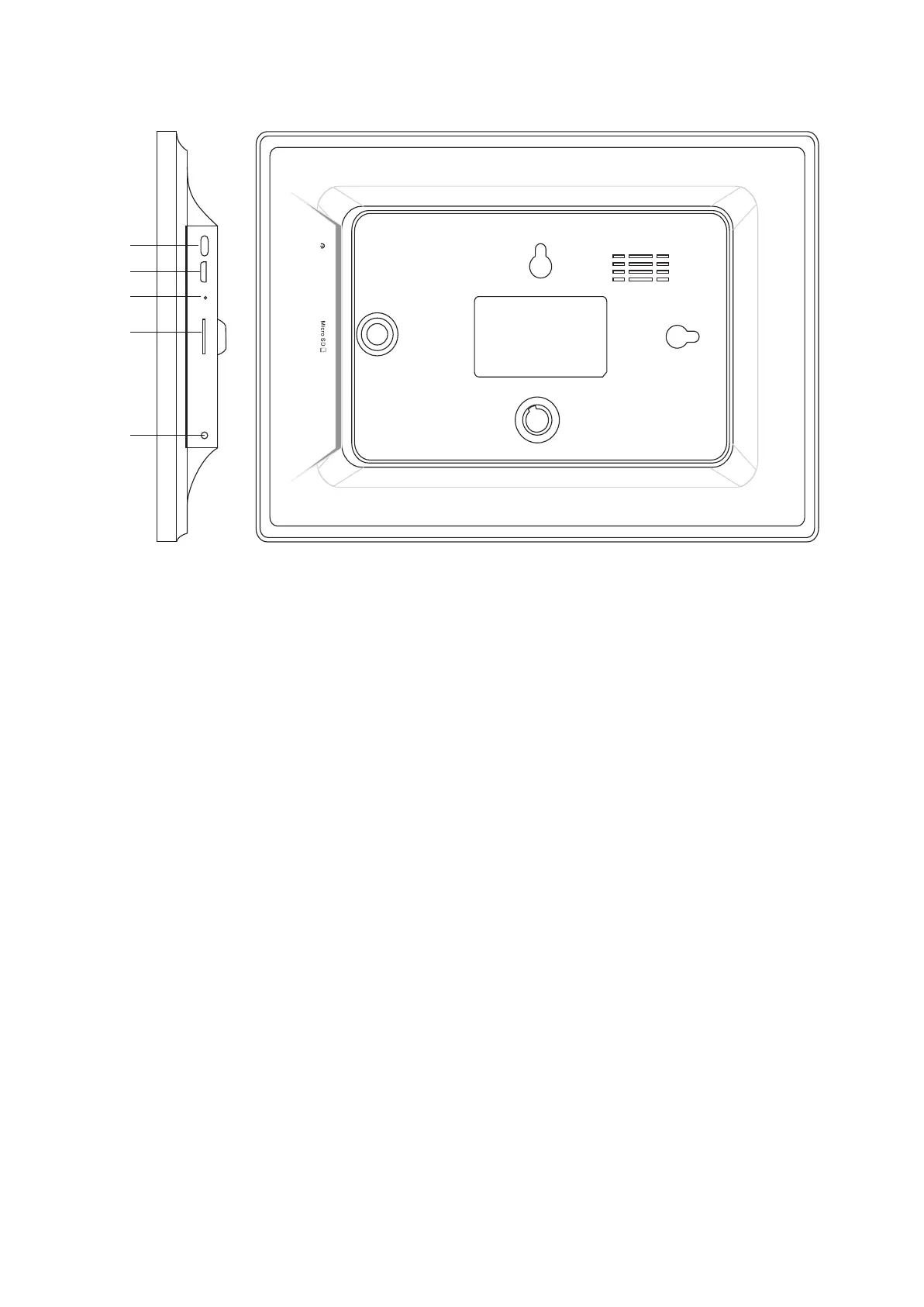
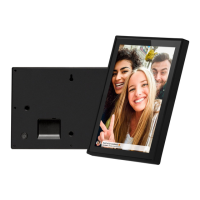
Connect a USB flash drive. USB is for service use only.
4. MicroSD card
2. USB
3. RESET
Use a needle or paper clip to reset unit.
5. DC
Connect DC adapter to power on the device.
1. POWER
Load external max 32GB microSD memory card here.
After connecting power adapter, please press and hold power button for approximately 5 seconds (until
screen turns on).
When it is on, press and hold power button for approximately 3 seconds to access reboot or power off
menu. Short press on power button will turn off/onscreen (but leave the photo frame in on position).
ENG-1
1
2
3
4
RESET
USB
DC
5


 To Next Page