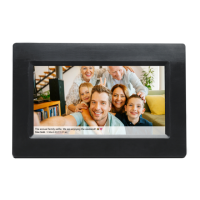
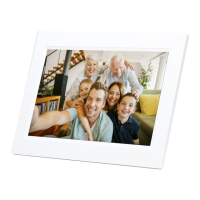
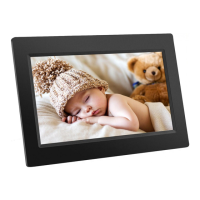
Navigating your frameo
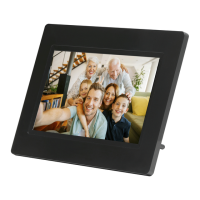
You interact with your frame through its touchscreen.
Swipe left or right to go through your photos.
To access the menu bar, simply tap once on the screen, this will show the menu. In the menu
you will find quick access to the add friends dialog and the settings menu . From the
menu it is also possible to hide the currently shown photo and to adjust the positioning of the
photo.


 To Next Page