Getting started
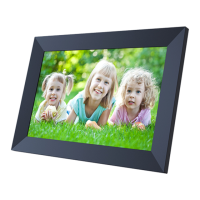
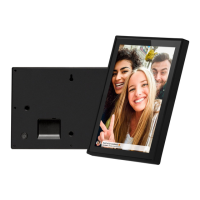
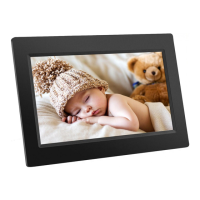
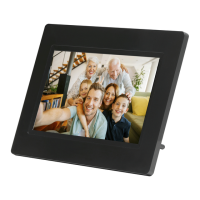
Thank you for purchasing your very own frameo.
First, to set up your frame follow the ‘Quick start guide’ included in the package. If you are new to
using frameo then start by following the frameo quick setup on page or follow the on screen
guide when powering it on for the first time.
Once you have set up your Frameo frame, start connecting it to your friends and family.
Frameo app
To send photos to your frame, use the frameo app for iOS or Android
Find the frameo app on:
Google play by searching for “frameo” or scan this QR code
App Store by searching for frameo or scan this QR code


 To Next Page