EasyManua.ls Logo

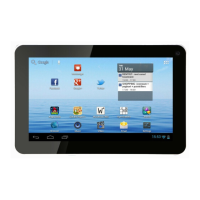
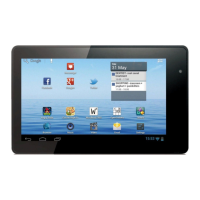
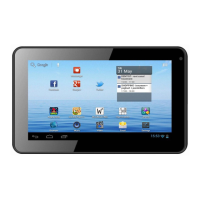
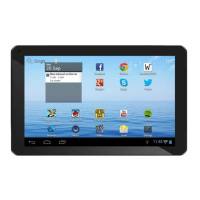
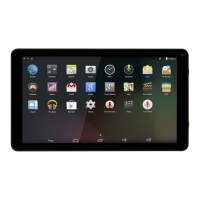
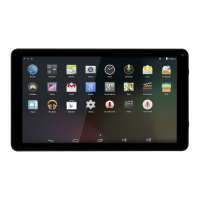
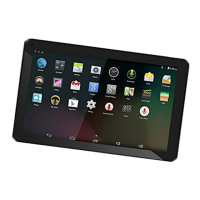
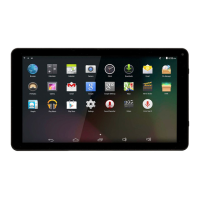
Denver TAC-70031 - User Manual

Denver TAC-70031
13 pages
Print Icon
To Next Page IconTo Next Page
Loading...
USER'S MANUAL
TAC-70031
MID-7119CMBOXCHIP A13E N G L I S H M A N U A L
70g纸,135x102mm,钉
www.facebook.com/denverelectronics
Before connecting, operating or adjusting this product,
please read this user's manual carefully and completely.
Question and Answer IconNeed help?

Do you have a question about the Denver TAC-70031 and is the answer not in the manual?

Summary

Getting Started

Powering On and Off

Instructions for turning the tablet on and off.

Internet Connectivity

Connecting to Wi-Fi

Step-by-step guide to connect to wireless networks.

File Transfer Operations

Transferring Files via Computer

Instructions for connecting to a PC to transfer files.

Troubleshooting Common Issues

Connectivity and Network Problems

Troubleshoots Wi-Fi connection and email setup issues.

Power and Performance Issues

Addresses device power, heat, and battery stand-by time.

Summary

Getting Started

Powering On and Off

Instructions for turning the tablet on and off.

Internet Connectivity

Connecting to Wi-Fi

Step-by-step guide to connect to wireless networks.

File Transfer Operations

Transferring Files via Computer

Instructions for connecting to a PC to transfer files.

Troubleshooting Common Issues

Connectivity and Network Problems

Troubleshoots Wi-Fi connection and email setup issues.

Power and Performance Issues

Addresses device power, heat, and battery stand-by time.

Denver TAC-70031 Specifications

General IconGeneral
RAM1 GB
Front Camera0.3 MP
Battery Capacity2400 mAh
PortsMicro USB, 3.5mm headphone jack
Screen Size7 inch
Display Resolution1024 x 600
ConnectivityWi-Fi 802.11 b/g/n

Related product manuals