Setup
For use with battery power, remove the Battery Compartment Cover and insert 4 “AA” size
alkaline batteries, observing the proper polarity (+/-) as indicated inside the Battery Compartment.
Reattach Battery Compartment Cover.
For use with electrical AC power, plug the AC Power Cord into a standard 230-volt AC electrical
outlet.
DC 6V JACK
Connect to the DC power adaptor.
To Use
1. Turn on the radio by selecting the Switch to FM.
2. Turn the Volume Control Knob clockwise to adjust the volume to the desired level.
3. Select station by rotating the Tuning Knob.
4. To listen to an external input source such as a portable CD player or MP3 player, plug a patch
cable (not included) from the external device into the 3.5mm AUX IN Jack on the rear of the
unit.
5. When finished using your radio, turn the Band Selector Switch to the “OFF” position.
NOTES:
• Be sure your headphones have a 3.5mm stereo plug. When headphones are connected, the
speakers will be automatically disconnected. Adjust the volume control to the desired level.
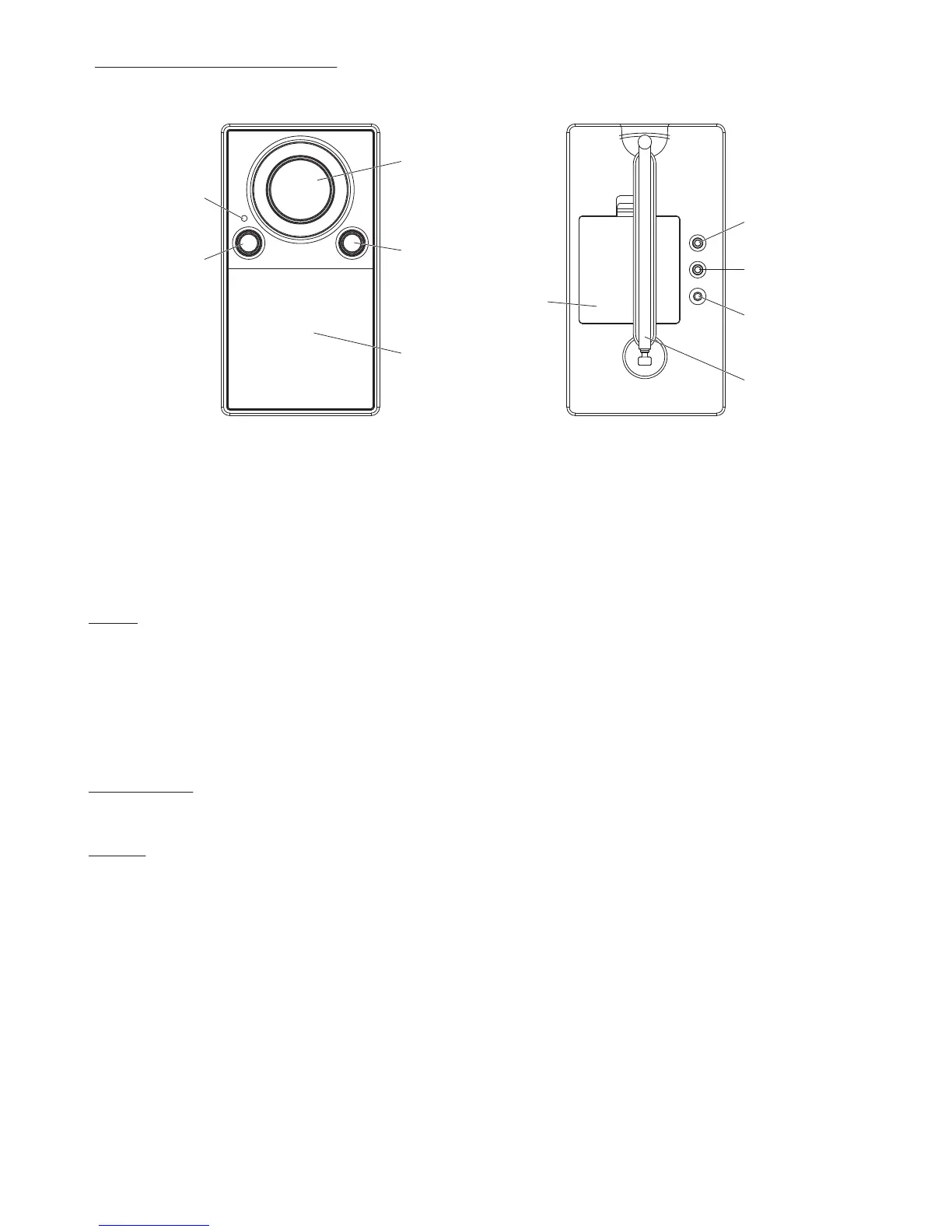
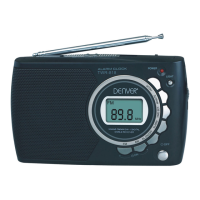
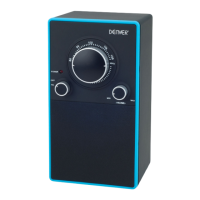
1. VOLUME CONTROL KNOB
2. ON/FM SWITCH
3. TUNER
4. POWER INDICATOR
5. LOUD SPEAKER
6. BATTERY COMPARTMENT
7. AUX IN
8. PHONES JACK
9. DC 6V JACK
10. TELESCOPIC ANTENNA
LOCATION OF CONTROLS
ENG-3
2
4
3
1
5
6
9
7
8
10


 To Next Page