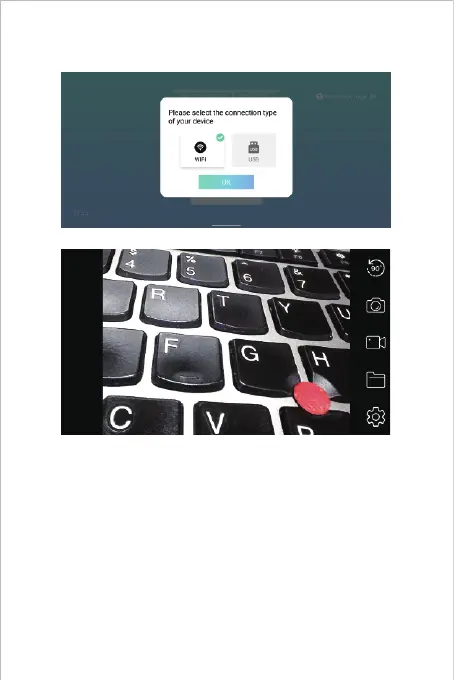
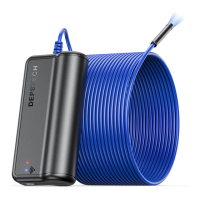
Step 4- Start Your First Trial!
Open the “DEPSTECH-View” application that you’ve downloaded to
your smart devices previously, you can get the real-time image of the
inspection camera via “DEPSTECH-View” immediately! Start your
first trial of your brand new inspection camera!
Note: The blue led indicator on the panel will stay on after entering the
application.
For Android user, please select the connection type as "WiFi".


 To Next Page