VIII User Manual Pedelec Xion 13
› Damaged batteries may neither be charged, nor
continue to be used.
› The battery may heat up during charging.
A maximum temperature of 45°C may be
reached. If the battery becomes any warmer than
this, suspend the charging process immediately.
4.4 Fitting the battery
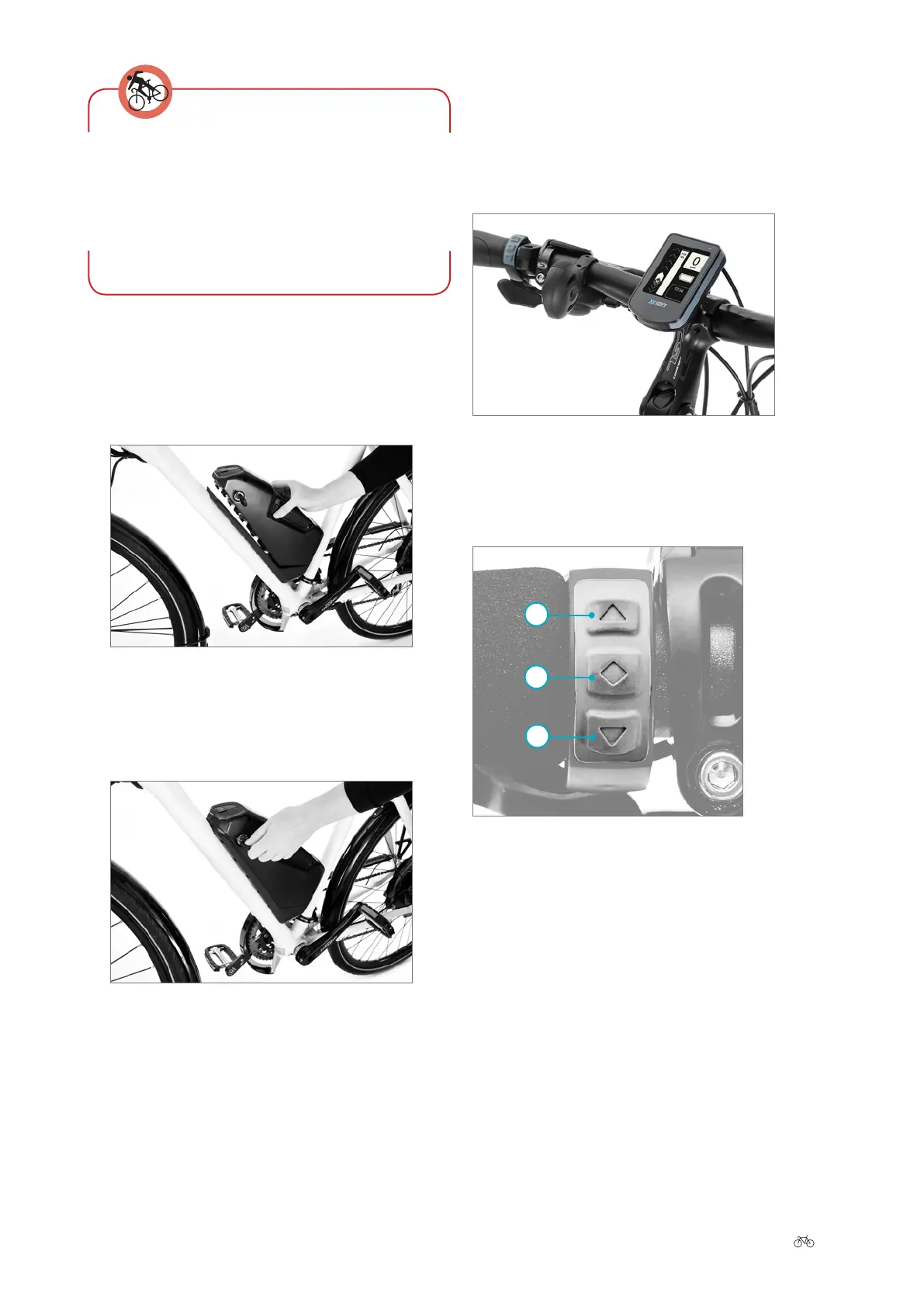
1. Insert the battery into the battery holder of the Pe-
delec om the ont/above. At the same time, the key
must be in the lock and must be turned anticlockwise.
2. Press the battery down into the holder until the lock-
ing mechanism engages. Now turn the key clockwise
and remove it. The battery is now locked in place.
3. Make sure the battery is rmly in place.
Installing the battery
Locking the battery
5 Control panel and display
The Xion Pedelec can be controlled via two elements. The
display is located in the middle of the handlebar. The con-
trol panel can be found on the handlebar grip.
5.1 Control panel
The three buttons each have dierent nctions depending
on the item of the settings menu in which you are located.
5.1.1 Switching on/o
Press the diamond button to switch the Xion system on.
Aer a few seconds, the welcome screen appears, followed
by the start menu.
From there you can carry out rther settings (➠
Chapter
5.4 “Programming and settings”).
Control panel and display
1 Upper arrow button
2 Diamond button
3 Lower arrow button
1
2
3











 To Next Page