Technical Specification Page 9 of 21
PENTA Scanner
®
Doc # 7 001 020 101 Doc.-Rev.: 2018-05-24
Hardware Integration and Setup
To use the PENTA Scanner, it needs to be connected to the power supply and the according host
interface which is usually the USB port driven by the DESKO Page Scan API (see chapter 5.1 Connecting
via Page Scan API).
Hardware Integration
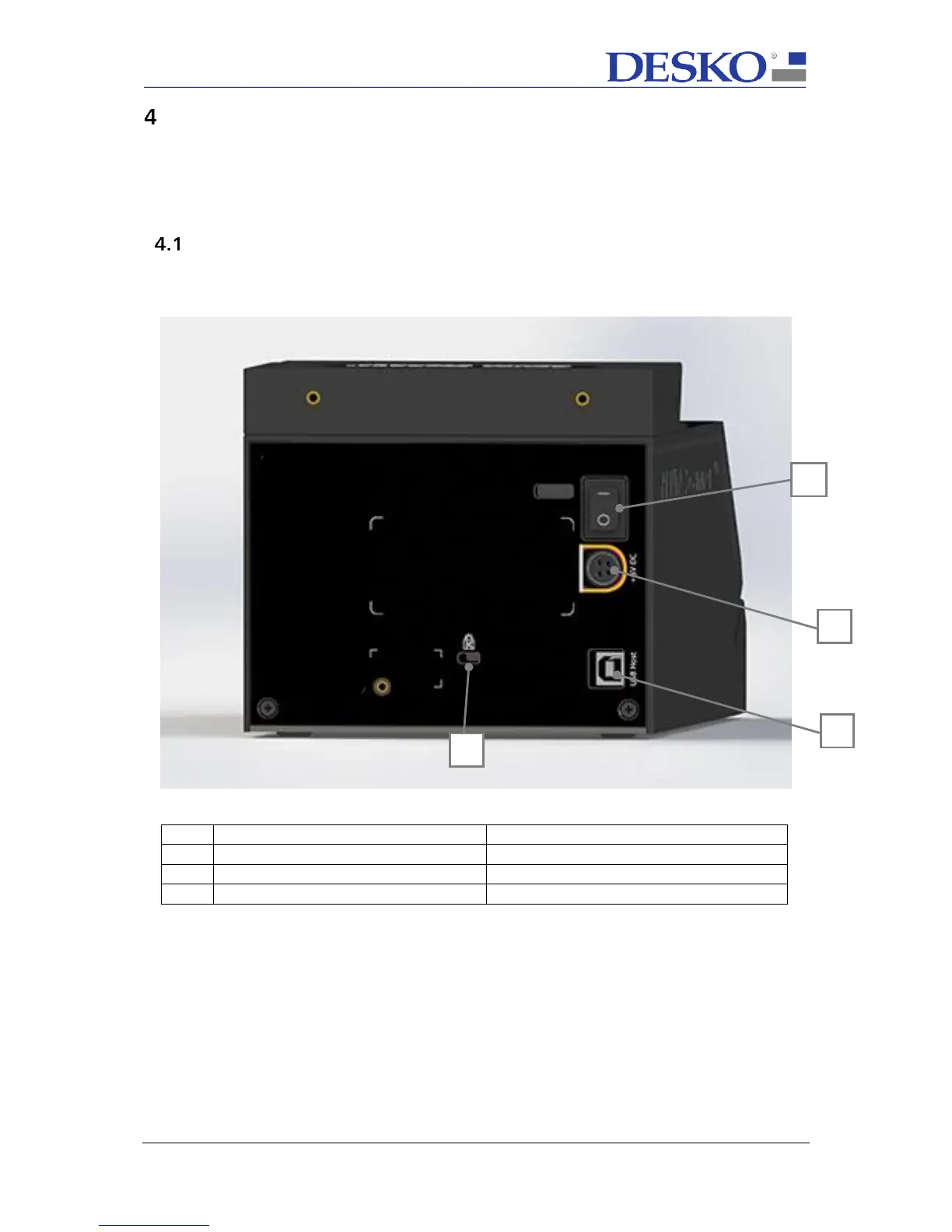
The DESKO PENTA Scanner has the following connectors, indicated in the picture below:



 To Next Page