Rev 07/04/2015
18
3.6. KEYPAD – STANDARD CONTROLLER
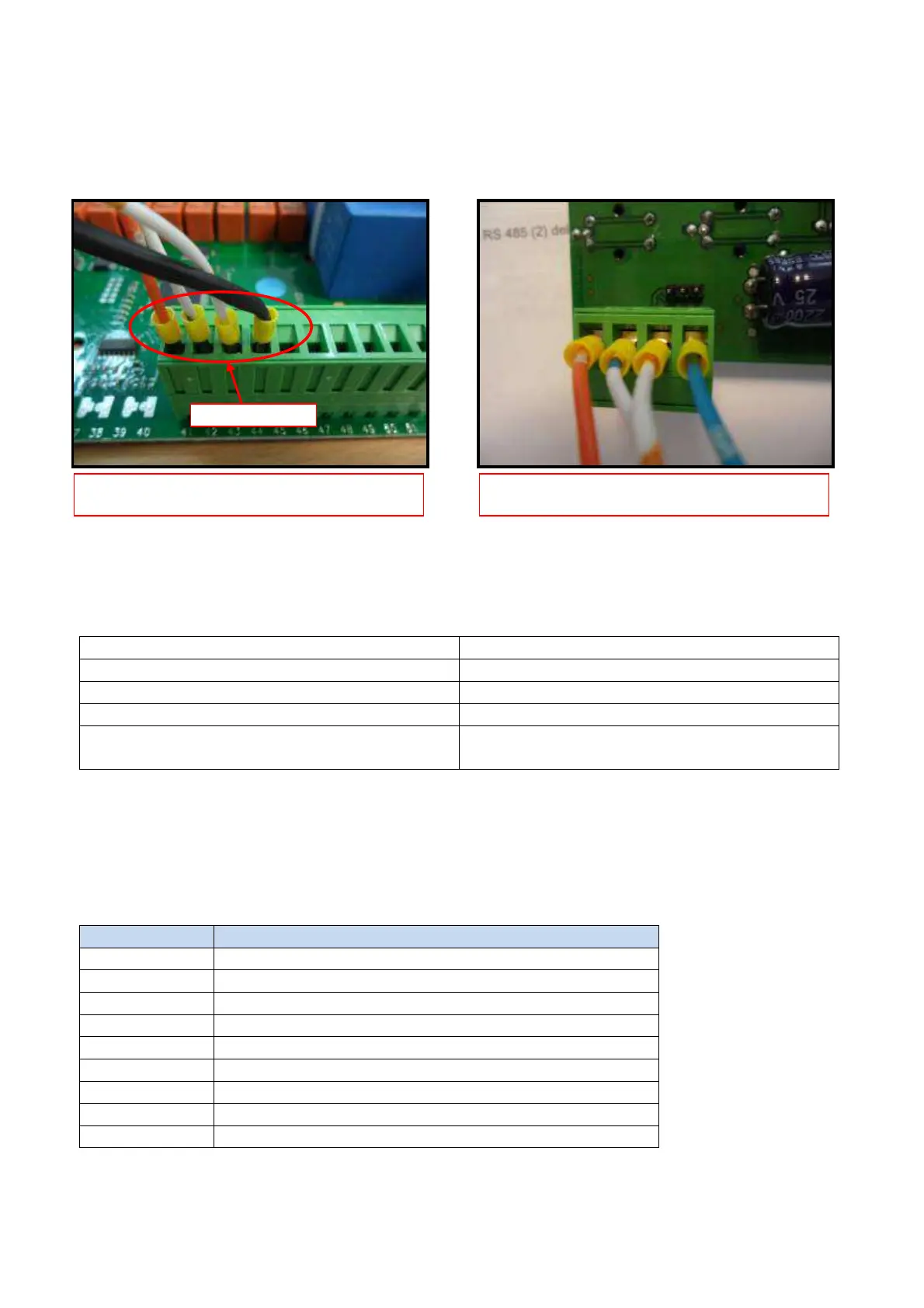
The RS485(1) port on the relay board is used to connect the keyboard.
3.6.1 Keypad Troubleshooting
Problems with the Keypad may include:
Ground Connection Missing Display flashes and dims
Negative (-) connection missing Display may work without specific alarm
Positive (+) connection missing Error Code “Err” is displayed
12V Connection missing Display does not light.
Keypad faulty All connections are present but display
does not work.
3.7. MAIN BOARD – TOUCH SCREEN CONTROLLER
Each unit is equipped with a Main Board where the electrical components are connected.
The board has 9 outputs (8 relays plus one PWM output for evaporator variable speed).
The relays control various components, shown in the table below:
U1-N COMPRESSOR CONTACTOR COIL
U2-N THAWING
U3-N DEFROST
U4-N THAWING
U5-N NONE
U6-N PUMP DOWN VALVE
U7-N DOOR FRAME HEATER
U8-N CONDENSER FAN
PWM EVAPORATOR FAN
CONNECTION ON RELAY BOARD CONNECTION ON KEYBOARD



 To Next Page