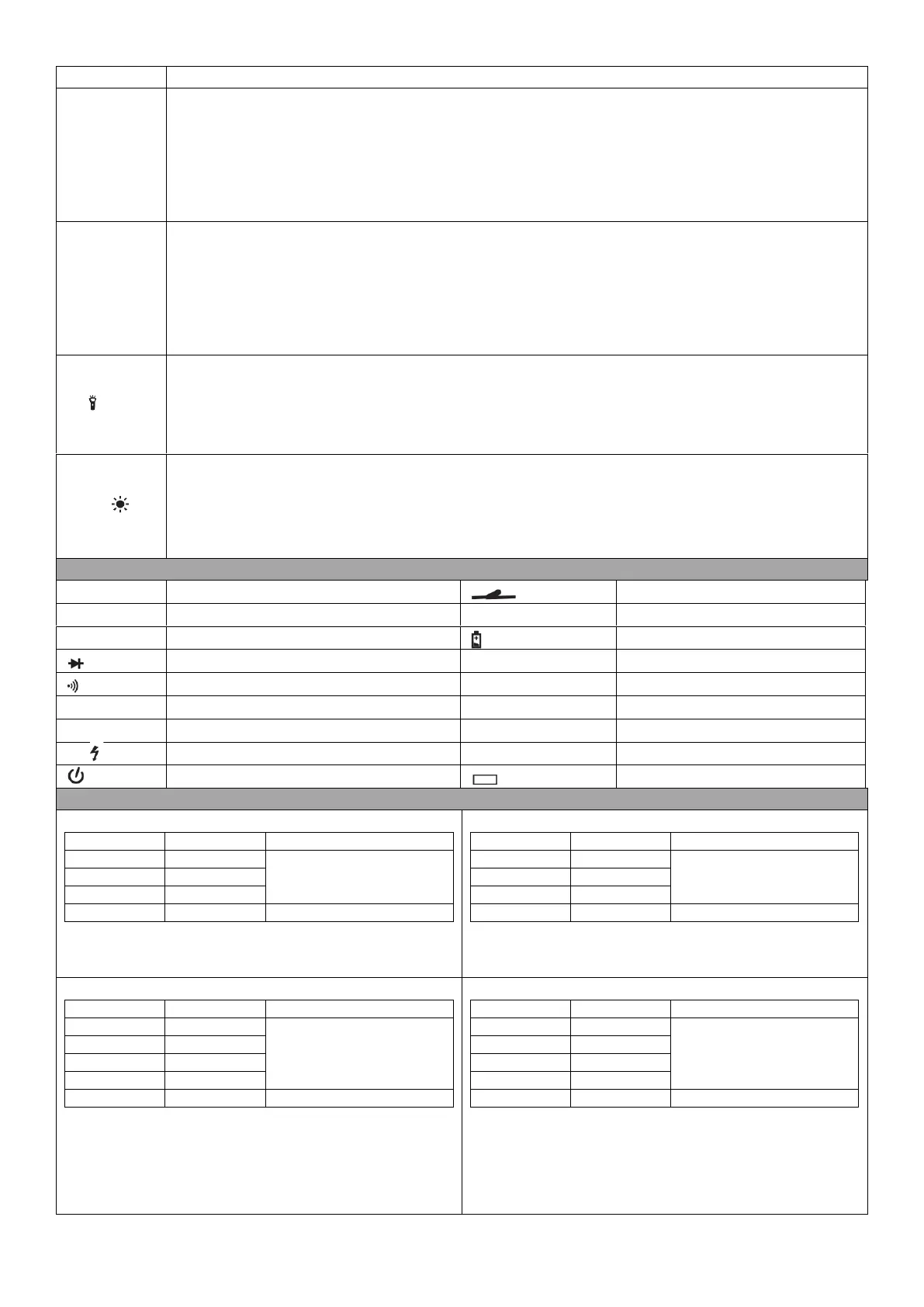
Press SEL/V.F.C button to switch between the DC and AC measurement modes. When the unit is in AC measurement
mode, the V.F.C (Variable Frequency Voltage) measurement mode can be activated by pressing down the SEL/V.F.C
button for 2 seconds.
To disable the automatic shutdown function of the meter, turn the rotary switch to OFF Position. Press and hold the
SEL/V.F.C button and turn the rotary switch to switch meter ON. This operation cancels the automatic shutdown
function.
Press RANGE button to select auto/manual measurement range modes. When the meter is switched ON, it defaults to
Auto measurement range mode. If the meter is in Auto measurement range mode, press the RANGE button to enter
manual measurement range mode. In the manual mode, each time the RANGE button is pressed, the meter switches to
a higher measurement range mode. When the meter is in the highest measurement range mode, pressing the RANGE
button reverts it back to the lowest measurement range mode and it cycles in that order.
To switch back to the Auto measurement mode, press and hold the RANGE button for two seconds.
When measuring an AC voltage or an AC current, press this button to display the measured AC voltage or the frequency
of the AC current. Press the button again to exit the frequency display mode.
To turn ON the flashlight, press and hold this button for about 2 seconds. The flashlight turns OFF automatically after 15
seconds or it can be turned OFF by pressing down the button for 2 seconds.
Press the HOLD button to lock the current reading on the display. Press the HOLD button again to release the reading
hold state.
To turn ON the LCD backlight, press and hold this button for about 2 seconds. The LCD backlight turns OFF automatically
after 15 seconds or it can be turned OFF by pressing down the button for 2 seconds.
LCD Display Symbols and Indicators
Resistance unit: Ω, KΩ, MΩ
Capacitance unit: nF, µF, mF
Non-contact AC voltage sensing
Variable frequency voltage measurement
Voltage unit mV, V & Current unit: mA, A
±(0.7% of reading + 3 digits)
±(0.8% of reading + 2 digits)
Overload protection: PTC 600V DC or AC RMS
±(1% of reading + 3 digits)
±(1.2% of reading + 3 digits)
Shows RMS value when input impedance is 10MΩ, Frequency
response: 45-400HZ. Maximum input voltage: 600V AC
±(0.8% of reading + 3 digits)
±(1.2% of reading + 3 digits)
Overload protection: µA/mA Range: F600mA/250V fuse
10A Range: F10A/250V Fuse
Maximum input current: mA terminal: 600mA, 10A terminal:10A
±(1.0% of reading + 3 digits)
±(1.5% of reading + 3 digits)
Overload protection: µA/mA Range: F600mA/250V fuse
10A Range: F10A/250V Fuse
Maximum input current: mA terminal: 600mA, 10A terminal:10A
Frequency response: 45-400HZ.


 To Next Page
 Loading...