EasyManua.ls Logo

DETROLA KM837 - Product Operation Guide; Power Source and Plug; Turntable Setup and Operation; Cassette Operation

Default Icon
8 pages
Print Icon
To Next Page IconTo Next Page
To Previous Page IconTo Previous Page
Loading...
ii
eee
|
POWER
SOURCE
Unwind
the
AC
POWER
CORD
(29)
at
the
back
of
the
unit
and
connect
it
to
a
power
outlet.
POLARIZED
ELECTRICAL
PLUG
INSTRUCTIONS
This
product
is
equipped
with
a
polarized
alternating
current
line
plug
(a
plug
having
one
blade
wider
than
the
other).
This
plug
will
fit
into
the
power
outlet
only
one
way.
This
is
a
safety
feature,
If
you
are
unable
to
insert
the
plug
fully
into
the
outlet,
try
reversing
the
plug.
If
the
plug
should
still
fail
to
fit,
contact
you
electrician
to
replace
your
obsolete
outlet.
Do
not
defeat
the
purpose
of
the
polarized
plug.
UNPACKING
THE
TURNTABLE
en
remove
unit
from
it's
package
and
take
it
out
of
the
plastic
ад.
·
2.Ореп
lid
and
remove
black
tie-wrap
by
untwisting
and
gently
sliding
out
from
under
TONE
ARM
(22).
3.Remove
cardboard
shipper.
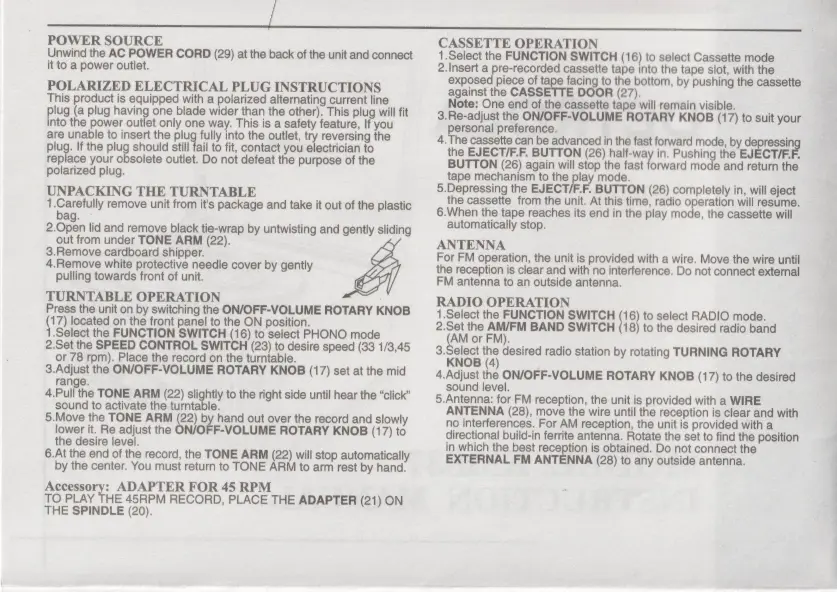
4.Remove
white
protective
needle
cover
by
gently
pulling
towards
front
of
unit.
TURNTABLE
OPERATION
Press
the
unit
on
by
switching
the
ON/OFF-VOLUME
ROTARY
KNOB
(17)
located
on
the
front
panel
to
the
ON
position.
1.Select
the
FUNCTION
SWITCH
(16)
to
select
PHONO
mode
2.Set
the
SPEED
CONTROL
SWITCH
(23)
to
desire
speed
(33
1/3,45
or
78
rpm).
Place
the
record
on
the
turntable.
3.Adjust
the
ON/OFF-VOLUME
ROTARY KNOB
(17)
set
at
the
mid
range.
4.Pull
the
TONE
ARM
(22)
slightly
to
the
right
side
until
hear
the
“click”
sound
to
activate
the
turntable.
5.Move
the
TONE
ARM
(22)
by
hand
out
over
the
record
and
slowly
lower
it.
Re
adjust
the
ON/OFF-VOLUME
ROTARY
KNOB
(17)
to
the
desire
level.
6.At
the
end
of
the
record,
the
TONE
ARM
(22)
will
stop
automatically
by
the
center.
You
must
return
to
TONE
ARM
to
arm
rest
by
hand.
Accessory:
ADAPTER
FOR
45
RPM
TO
PLAY
THE
45RPM
RECORD,
PLACE
THE
ADAPTER
(21)
ON
THE
SPINDLE
(20).
CASSETTE
OPERATION
1.Select
the
FUNCTION
SWITCH
(16)
to
select
Cassette
mode
2.Insert
a
pre-recorded
cassette
tape
into
the
tape
slot,
with
the
exposed
piece
of
tape
facing
to
the
bottom,
by
pushing
the
cassette
against
the
CASSETTE
DOOR
(27).
Note:
One
end
of
the
cassette
tape
will
remain
visible.
3.Re-adjust
the
ON/OFF-VOLUME
ROTARY
KNOB
(17)
to
suit
your
personal
preference.
4.
The
cassette
can
be
advanced
in
the
fast
forward
mode,
by
depressin
the
EJECT/F.F.
BUTTON
(26)
half-way
in.
Pushing
the
ЕЈЕСТЈЕЕ.
BUTTON
(26)
again
will
stop
the
fast
forward
mode
and
return
the
tape
mechanism
to
the
PU
mode.
5.Depressing
the
EJECT/F.F.
BUTTON
(26)
completely
in,
will
eject
the
cassette
from
the
unit.
At
this
time,
radio
operation
will
resume.
6.
When
the
tape
reaches
its
end
in
the
play
mode,
the
cassette
will
automatically
stop.
ANTENNA
For
FM
operation,
the
unit
is
provided
with
a
wire.
Move
the
wire
until
the
reception
is
clear
and
with
no
interference.
Do
not
connect
external
FM
antenna
to
an
outside
antenna.
RADIO
OPERATION
1.Select
the
FUNCTION
SWITCH
(16
to
select
RADIO
mode.
ae
the
FM)
BAND
SWITCH
18}
to
the
desired
radio
band
or
,
a
desired
radio
station
by
rotating
TURNING
ROTARY
4
4.Adjust
the
ON/OFF-VOLUME
ROTARY
KNOB
(17)
to
the
desired
sound
level.
5.Antenna:
for
FM
reception,
the
unit
is
provided
with
a
WIRE
ANTENNA
(28),
move
the
wire
until
the
reception
is
clear
and
with
no
interferences.
For
AM
reception,
the
unit
is
provided
with
a
directional
build-in
ferrite
antenna.
Rotate
the
set
to
find
the
position
in
which
the
best
reception
is
obtained.
Do
not
connect
the
EXTERNAL
FM
ANTENNA
(28)
to
any
outside
antenna.