Use this section to resolve problems you may encounter when using your machine.
Identify the Problem
Even if there seems to be a problem with your machine, you can correct most problems yourself.
First, check the following:
• The machine's power cord is connected correctly and the machine's power is on.
• All of the machine's orange protective parts have been removed.
• The access point, router, or hub is turned on and its link indicator is blinking.
• Paper is inserted correctly in the paper tray.
• The interface cables are securely connected to the machine and the computer.
Find the Error Find the Solution
Using the LCD 1. Follow the messages on the LCD.
2. See the instructions in the following table.
3. If you cannot resolve the error, see the
User's Guide.
Error and Maintenance Messages
The most common error and maintenance messages are shown in the table.
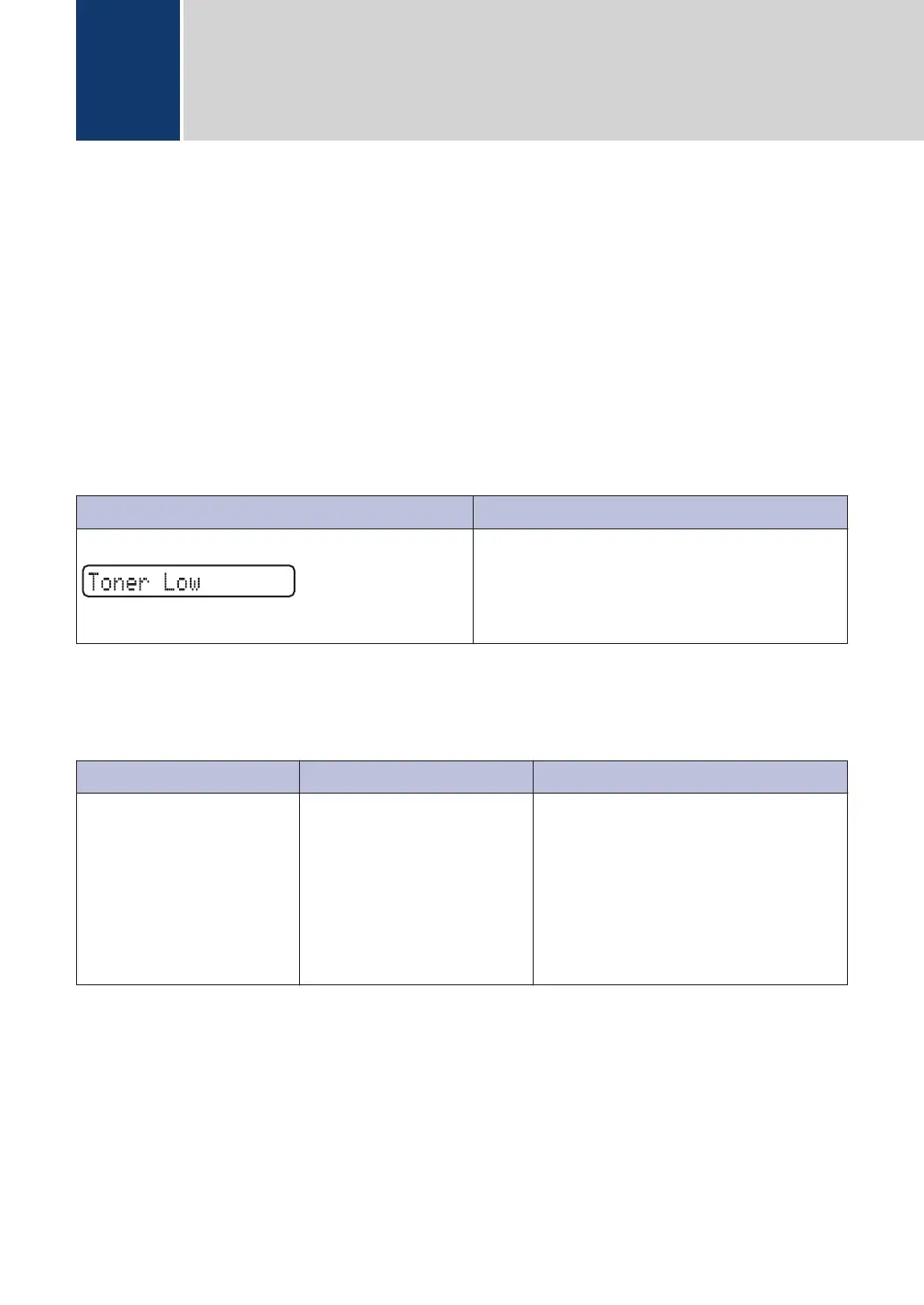
Error Message Cause Action
Cartridge Error
The toner cartridge is not
installed correctly.
Remove the toner cartridge and
imaging unit assembly. Take out the
toner cartridge, and put it back in the
imaging unit again. Reinstall the toner
cartridge and imaging unit assembly
in the machine.
If the problem continues, contact
customer support.
A
Troubleshooting
6



 To Next Page