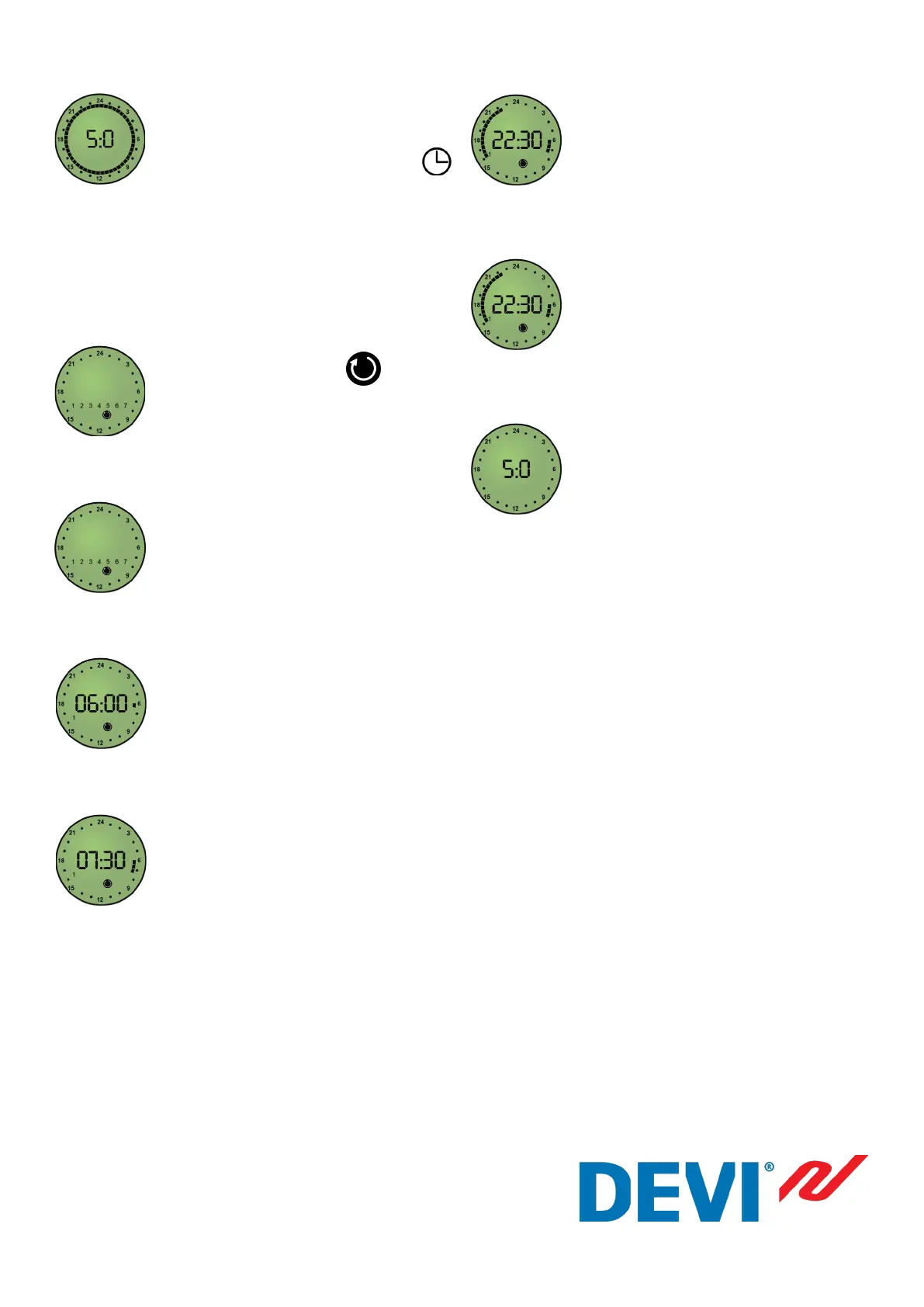
First start time
Rotate button to indicate the start of the
rst time period when you want a warm
oor (i.e. 06:00) and then press the button
First end time
Rotate the button to highlight duration of
rst warm oor period, then press button
to indicate the end of rst time period (i.e.
07:30)
Continue
Rotate button to indicate next warm oor
start time. Press the button, rotate to the
end of the period and press button again.
Continue this through the whole week.
Save programme
To save programs, press and hold the
button to return to the normal display.
By pressing the button once you can
now toggle between manual and timer
modes.
Set oor level
The button now controls the heat level
of your Devimat system. The controller
can be adjusted to the required heat level
on a range from 1-10, level 10 being the
maximum oor heat. The displayed heat
level is what the controller will provide
at the times programmed. It is recom-
mended that you initially set to level 5,
then adjust to suit.
If you multiply the level number by 5 it
will give you the temperature in °C.
Do not set this higher than the maximum
oor temperature.
Manual Mode
In this mode the temperature set on the
display is maintained 24 hours a day,
i.e. no timing facility and therefore no
displayed. Whilst in manual mode, if you
rotate the dial to level 1.0 then turn the
dial vigorously further anti-clockwise,
the thermostat will switch o and display
‘OFF’.
Enter timer mode
Press and hold button until is
displayed in bottom right corner.
Select rst day
Rotate button to display the rst day you
wish to program and press button.
Part no. 890v01 07.04.2011



 To Previous Page