User’s Guide - Devireg™550 Thermostat
8
Set weekday and clock
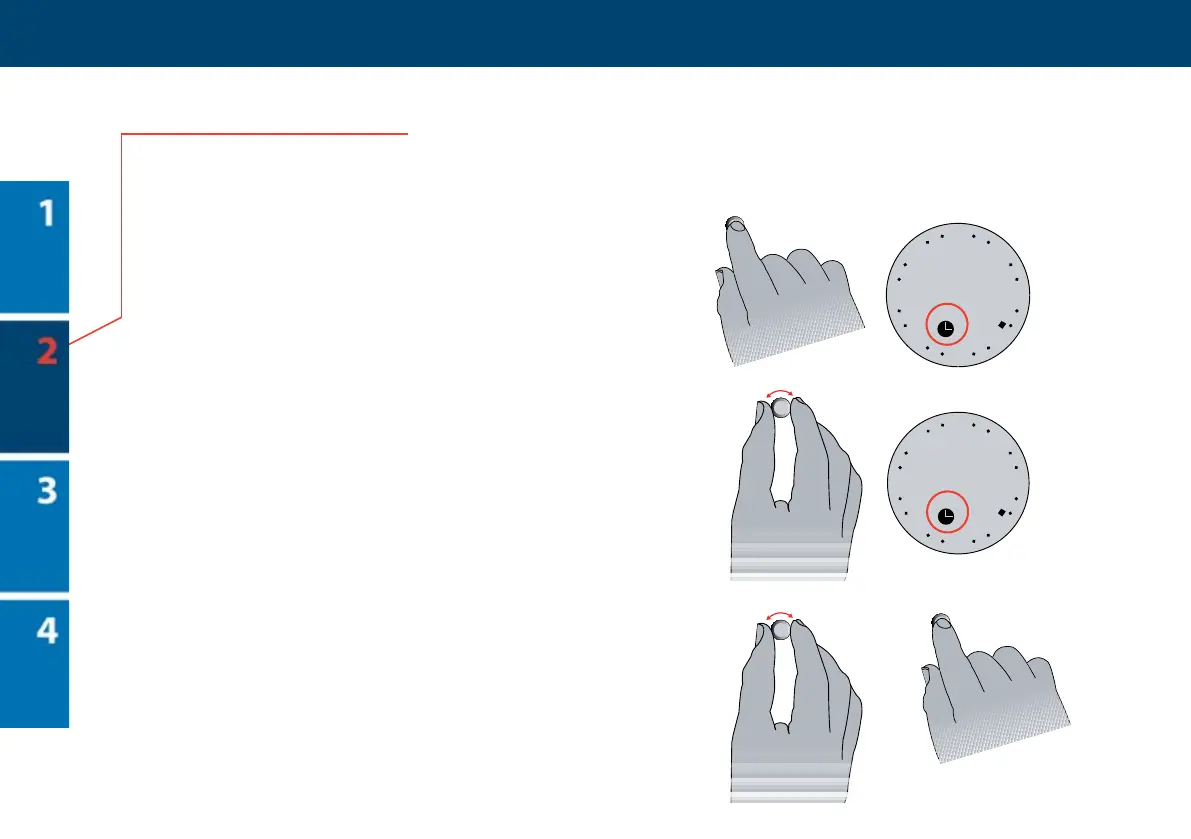
Set weekday
1 Hold the button for 3 seconds.
en the symbol for setting of the clock and
the number of the weekday will be shown on
the display.
2 Turn the button to the right or le, until
the time passes 0:00. Every time the time
passes 0:00, the weekday number will go 1
up/down depending on which way you turn
the button. e number you choose will be
the weekday of the current day of the week.
e numbers 1-7 do not correspond to any
specic days, so you can choose which day of
the week should be number 1, etc.
Example: If today is Tuesday and you select
2 on the display, Tuesday will be weekday
number 2.
3 Set the clock correctly by turning the button
to the right or le.
4 Press the button to save the settings.
1
2
3
4
3 sec.



 To Next Page