6
User’s Guide - Devireg™550 Thermostat
Switch timer function on/off
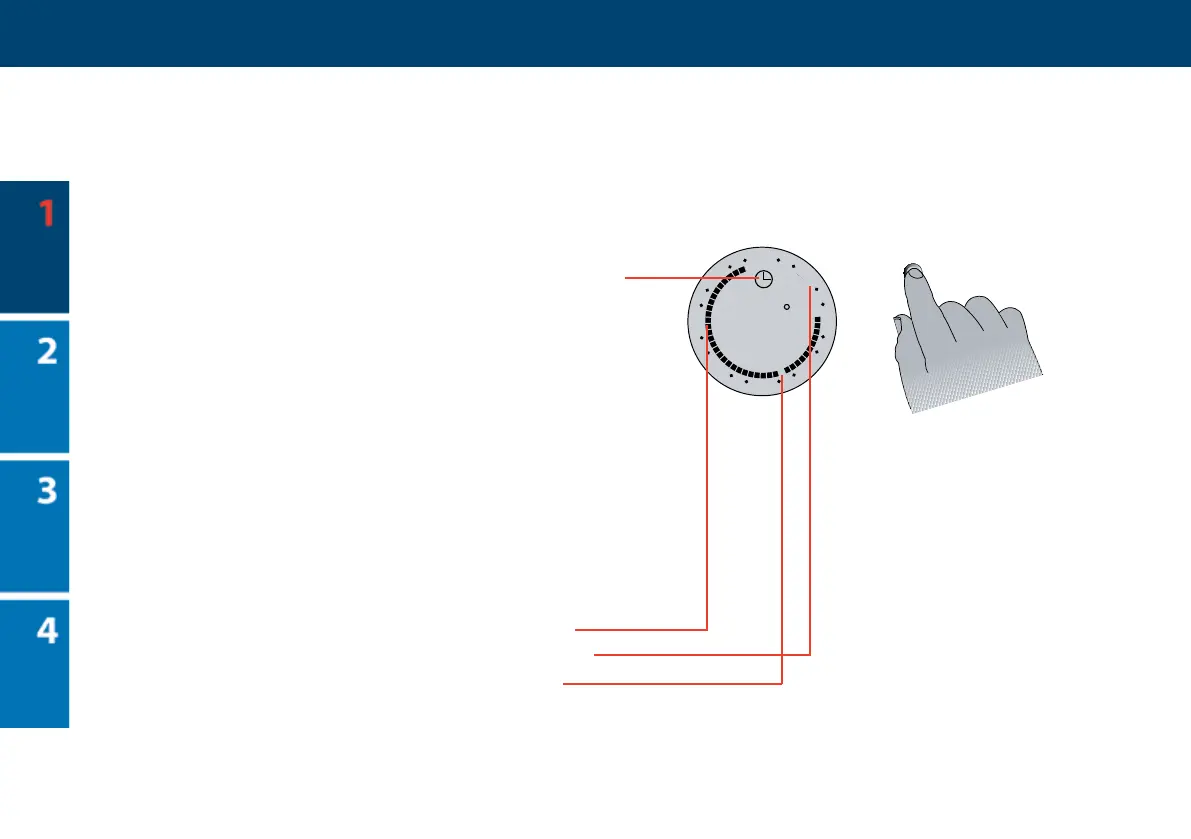
e timer function is used for automatic switch-
ing between periods with normal (comfort) tem-
perature and periods with lowering of tempera-
ture (e.g. at night). When switched on, a timer
symbol (clock) is shown at the top of display.
- To switch the timer function o, press button.
- To switch the timer function on, press button
again.
Read more about how to set periods with lower-
ing of temperature (e.g. at night) on page 12.
Clock ring
e markings on the clock ring indicates
periods with normal desired temperature
and periods with lowering of the temperature
(e.g. at night). e ashing point indicates
the actual time of day (every half hour).



 To Next Page