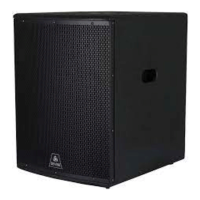
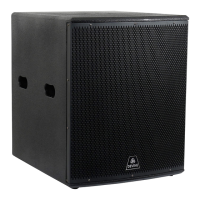
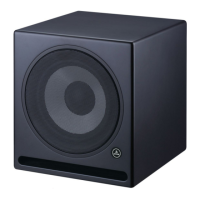
Using in combination with satellite speakers
The Artis subwoofers can be used in combination with Artis full-range speakers or other speakers. Normally,
the speakers chosen will be smaller in size than the subwoofer. You might use 8 or 10-inch speakers with a
12-inch subwoofer, for instance, or 12 or 15-inch speakers with an 18-inch subwoofer. Ideally, your source
signal (DJ mixer, PA mixer, smartphone, laptop etc.) should be connected to the subwoofer first and then to
other speakers. That way, the subwoofer can handle the low frequencies and, via the output, pass on only
the mid and high frequencies to the other speakers. The crossover switch should be set to 'HPF' for this.
The signal from your speakers can be passed on to additional speakers should you wish to use more than
one in conjunction with a subwoofer.
If you intend to use multiple subwoofers and speakers, the signal will normally be split into left and right
sides. In this case, the signal should still be connected to the subwoofer first. When linking multiple
subwoofers together, make sure 'flat' mode is selected. Only the last subwoofer in the chain should have
'HPF' mode selected as this sub will pass the signal on to your other speakers.
Using additional equipment like a speaker processing system gives you additional possibilities when it comes
to tweaking the sound and making adjustments that are appropriate for your situation.
The information in this user manual is subject to change at any time without notice.
Version:
1.0
Date of creation and author's initials:15-07-2019 RV Revision date and author's initials: -



 To Next Page