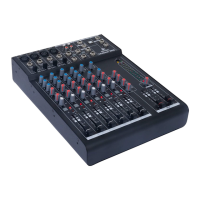
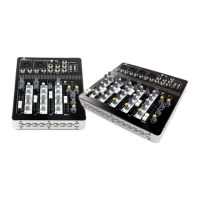
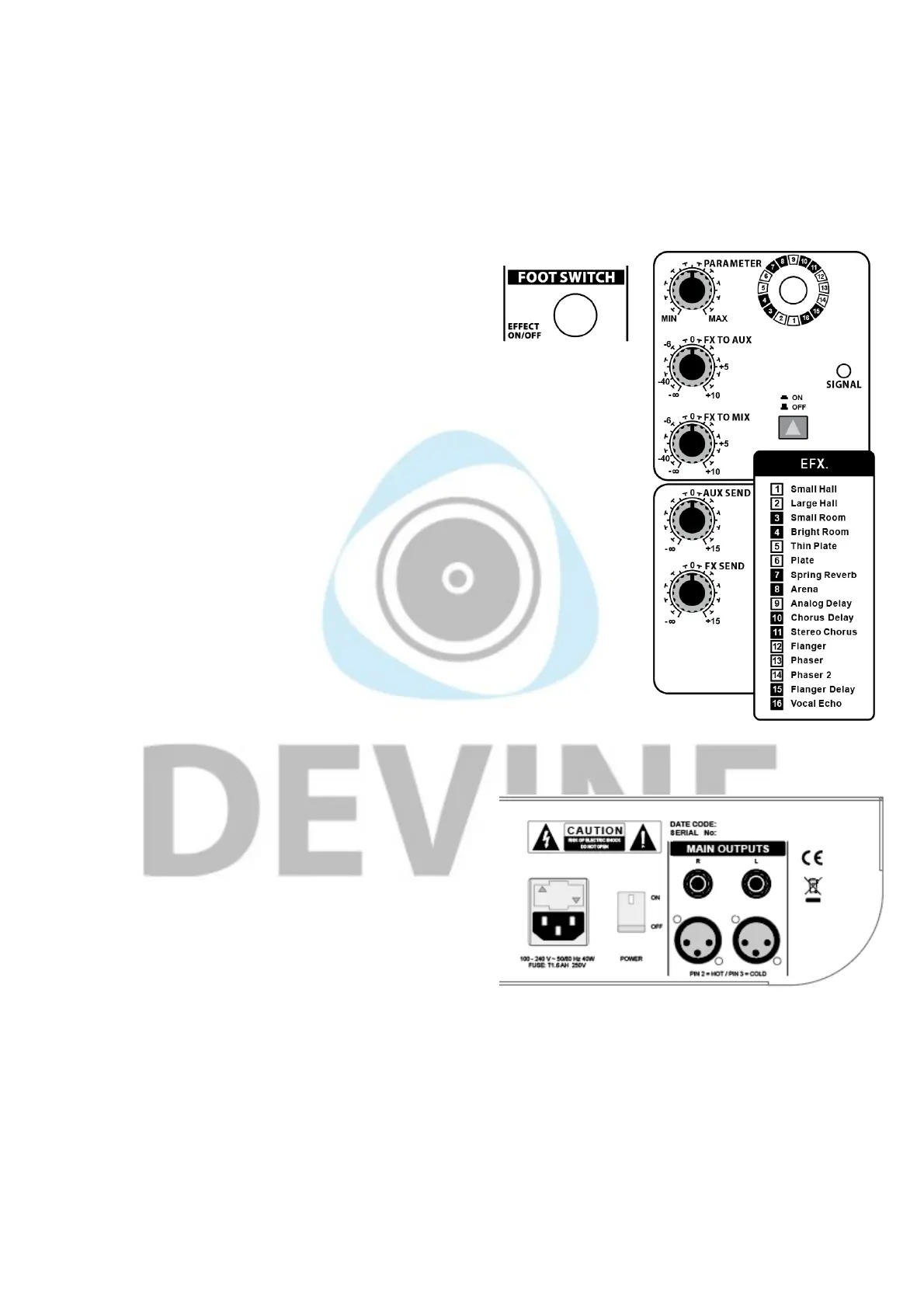
FX Send: the FX Send knob allows you to determine the level at which the output signal is sent out via the
FX Send output. This can be adjusted using the FX knob per channel.
FX (Return) to mix: the FX (Return) to mix knob allows you to determine the level at which the FX Return
input or the effects processor (see effects processor) reaches the mix fader.
FX (Return) to aux: the FX Return to aux knob allows you to determine the level at which the FX Return
input or effects processor reaches the Aux Send output.
CR & Phones: see Phones/Control room.
Footswitch: some MixDesk models have a footswitch
connector. A connected footswitch can be used to turn the
built-in effects on and off. A footswitch can be purchased
separately from your dealer.
Level faders: MixDesk mixers have faders for the left and right channels that
allow you to determine the overall level of the mix. Excessive levels are not
recommended so be sure to keep an eye on the level indicators to avoid
unwanted and potentially damaging distortion.
Effects processor (not applicable to all models)
Some MixDesk mixers have a built-in, 24-bit digital effects module with various
effects. The 16 numbered effects can be selected with the dedicated control.
Effects include reverbs, delays, chorus and other modulation.
The effects module has its own Signal LED that indicates when it's receiving a
signal. Bear in mind that the FX knob on each channel can amplify the signal by
up to 15 dB, but 0 dB is the recommended level.
Parameter: the parameter knob allows you to adjust the parameters of
parametric effects. This includes things like the length of delays and the amount
of reverb or distortion, for instance.
On/off knob: this turns the effects on or off.
FX to aux/FX to mix/Aux Send/FX Send: See ‘Mix section’.
Back of mixer
Main Out: the Main Out connectors are designed to send
the master signal (after it's passed through the fader) to
external equipment. Depending on the purpose, this could
be a PA speaker system or recording equipment. These
connectors are TRS jacks that support balanced audio
signals or XLR.
AC power input: IEC C14 connector with fuse holder and
on/off switch.
How to connect products
It's possible to connect lots of different products to the MixDesk mixers. The table below shows some
examples of products that can be connected and ways to connect them. This list is by no means exhaustive
and there are plenty of other possibilities. You'll also need to make sure you use the right cables for the
products you're connecting. If in doubt, consult your product manuals or contact your dealer.
The information in this user manual is subject to change at any time without notice.
Version:
1.0
Date of creation and author's initials:04-12-2018 RV Revision date and author's initials: -



 To Next Page
 Loading...