EasyManua.ls Logo

Devine MX-4 - User Manual

Devine MX-4
12 pages
Print Icon
To Next Page IconTo Next Page
Loading...
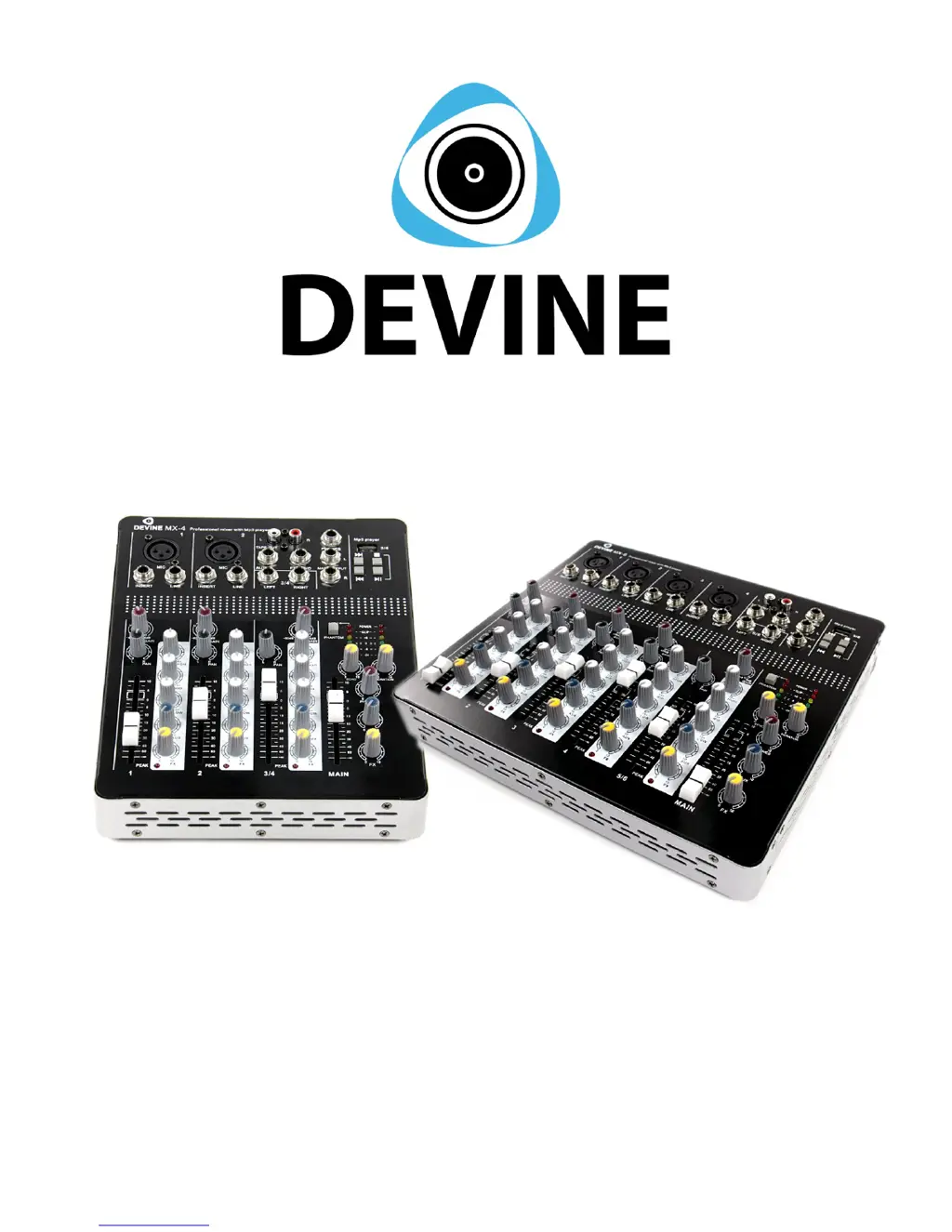
MX-4 / MX-6
Compact PA, recording and broadcasting mixer
User manual
Any information and illustrations shown in this user manual are subject to change without further notice.
User manual version: 1.0 Creation date + author initials: 27-08-2013 RV Revision date + author initials: 20-02-2014 RV

Questions and Answers

  • J
    jessica80Aug 10, 2025
    What to do if there is no sound coming from my Devine Music Mixer?
    • E
      Erica GarciaAug 10, 2025
      If there's no sound from your Devine Music Mixer, ensure the channel fader and master fader are slightly increased to the '0' position. Also, increase the gain until the Peak LED starts flickering slightly.
  • O
    oroseAug 15, 2025
    Why is the sound distorted on my Devine Music Mixer?
    • C
      cgarrisonAug 15, 2025
      If you're getting distorted sound from the headphones or master output of your Devine Music Mixer, the gain might be set too high, causing clipping. Decrease the gain from the distorting channel to a moderate level. Alternatively, the channel fader might be too high, also causing clipping, so decrease the channel fader volume.
  • E
    Emily NguyenAug 20, 2025
    How to fix no sound from condenser microphones on Devine Music Mixer?
    • C
      cherylwatersAug 20, 2025
      If you're experiencing no sound or very low sound from condenser microphones with your Devine Music Mixer, it could be due to several reasons: * No phantom power: Connect or activate the phantom power supply. * Volume set too low: Increase the incoming volume and gain on your mixer, interface, or other sound processing device. * Microphone positioned too far away: Place the microphone closer to the sound source.
  • N
    Nicole FranklinAug 25, 2025
    Why are there loud high frequencies coming from the speakers when using my Devine Music Mixer?
    • C
      Christopher MannAug 26, 2025
      If you're hearing loud, high frequencies from the speakers when using your Devine Music Mixer, it's likely due to the microphone being too close to the speakers, causing feedback. Immediately close the channel fader or mute the channel on your mixer or interface. Then, move the microphone further away from the speakers, or change its position to prevent it from pointing directly at the speakers.
  • T
    Tyler PetersonAug 30, 2025
    What to do if there is no sound on the AUX channel of my Devine Music Mixer?
    • A
      Annette YoderAug 31, 2025
      If there's no sound on the monitor (AUX) channel of your Devine Music Mixer, consider the following: 1. The AUX potentiometer on the channel may be closed. Increase the AUX level on each active channel. 2. The AUX master level potentiometer may be closed. Increase the AUX level on the AUX master level. 3. The AUX may be connected incorrectly. Check if the monitor output signal is connected to the AUX output correctly. 4. There may be no signal source. Check if the connected signal sources are sending their signal correctly into the mixer.
  • J
    Jessica FrazierSep 4, 2025
    What to do if connected sources are interrupted on my Devine Music Mixer?
    • J
      Jesse HughesSep 5, 2025
      If you are experiencing interruptance of connected sources with your Devine Music Mixer, the issue might be a loose or broken cable. Check if the cable is correctly plugged into the microphone. If the problem persists, try using a different cable.

Devine MX-4 Specifications

General IconGeneral
BrandDevine
ModelMX-4
CategoryMusic Mixer
LanguageEnglish

Related product manuals