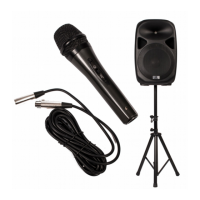
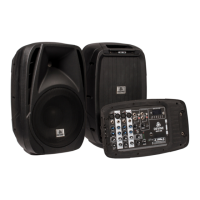
Product overview
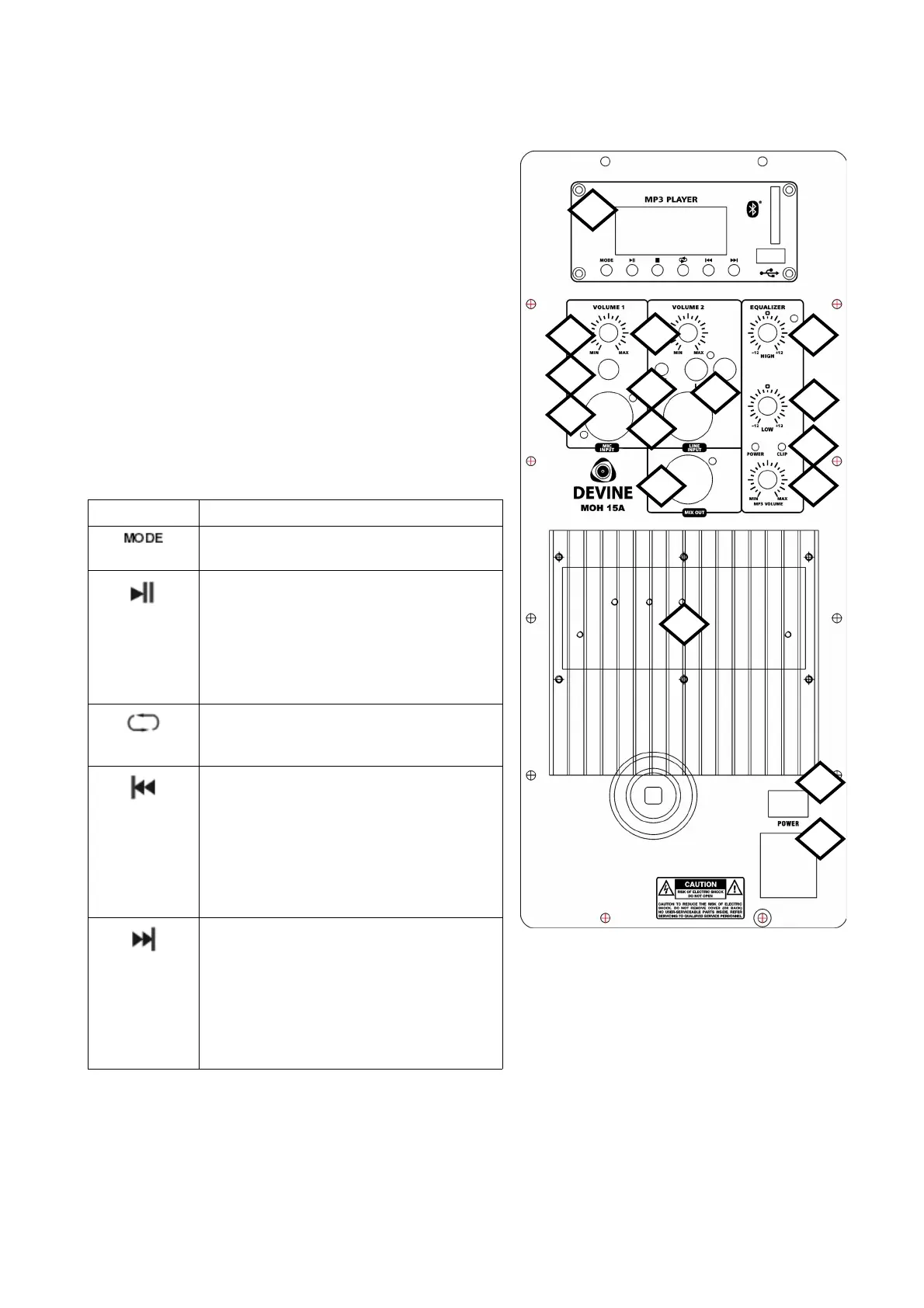
1. MP3 player
2. Volume control channel 1
3. Balanced microphone input (6.35 mm TS jackplug)
4. Balanced microphone input (XLR 3p)
5. Volume control channel 2
6. Line input (3.5 mm TRS mini-jackplug)
7. Line input stereo RCA
8. Line input balanced XLR 3p
9. Line output (mix) balanced XLR 3p
10. 2-band EQ – High (+/- 12 dB)
11. 2-band EQ – Low (+/-12 dB)
12. Power LED indicator (green) and Clip LED indicator
(red)
13. Volume control MP3 player
14. Power on/off switch
15. Power input IEC C14 with fuse holder
16. Cooling heatsink
MP3 button Function
Switch modes between Bluetooth, FM
radio, SD, USB and AUX
Play/pause the USB, SD or Bluetooth
function
Press and hold play/pause button for 2
seconds to start the FM auto-store function
(from 87.5 FM) and create automatic
presets for the channels with the strongest
signal.
Repeat the current playing USB or SD
track (ONE), repeat all (ALL) or shuffle the
playing order (Pd0)
Navigate through USB and SD tracks –
previous. For some mobile devices, this
also works with Bluetooth. It may be
possible that the buttons do not work, or
switch playlists/albums/genre.
For FM radio, this button will go down a
preset. Hold the button for 2 seconds to
scroll through radio stations.
Navigate through USB and SD tracks –
next. For some mobile devices, this also
works with Bluetooth. It may be possible
that the buttons do not work, or switch
playlists/albums/genre.
For FM radio, this button will go up a
preset. Hold the button for 2 seconds to
scroll through radio stations.
Any information and illustrations shown in this user manual are subject to change without further notice.
User manual version: 1.0 Creation date + author initials: 17-06-2015 RV Revision date + author initials:
1
2
3
4
5
6
7
8
9
10
12
13
11
14
15
16


 To Next Page
 Loading...