dLAN pro network 21
devolo dLAN pro 1200+
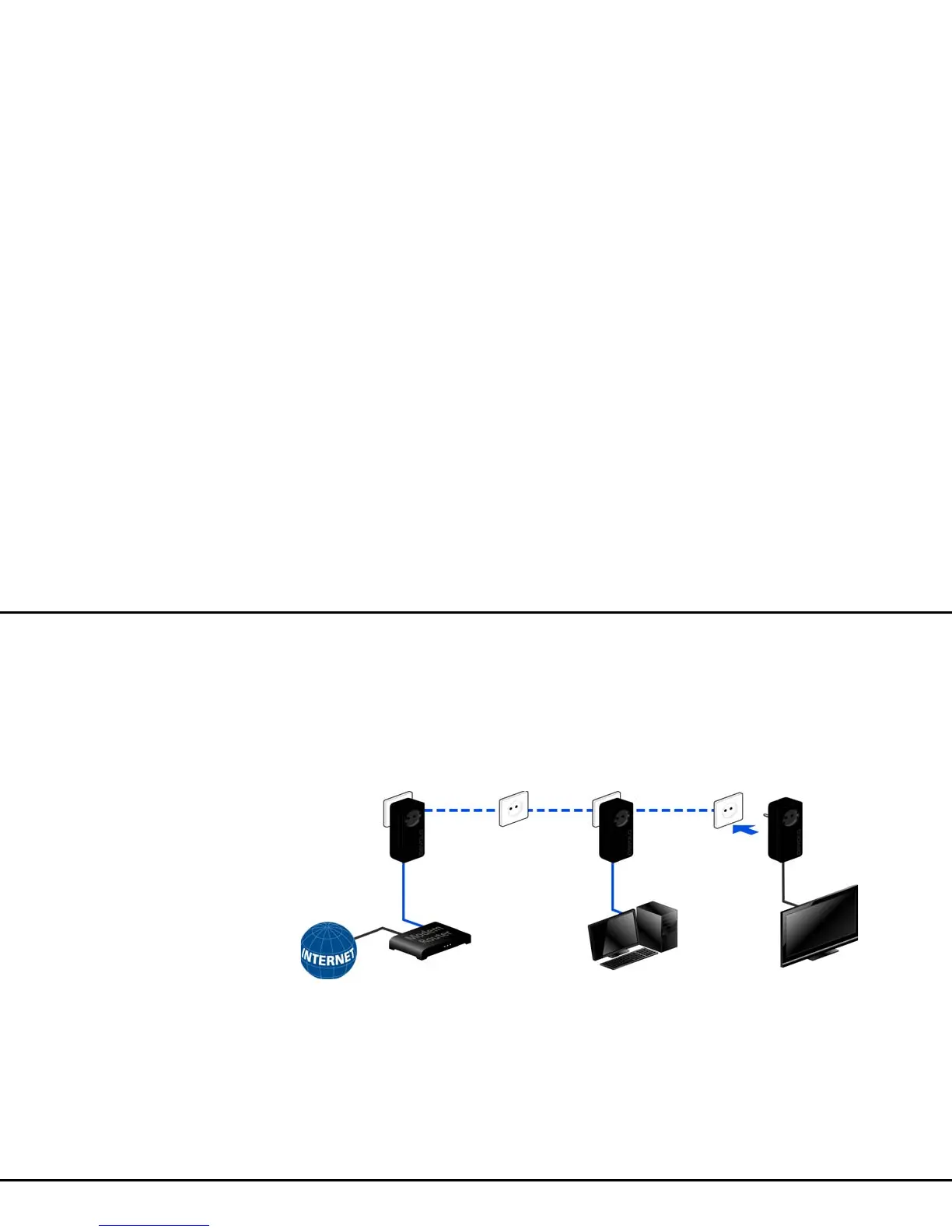
Expanding an existing dLAN pro network by
adding another dLAN pro device
If you have already secured your existing dLAN pro
network using the encryption button, use the same
method to integrate further devices. Once you have
successfully connected the new dLAN pro device, first
press the encryption button (> one second) of one of
your network’s existing devices, then press the
encryption button (> one second) of your new dLAN
pro device within two minutes.
That's it! The new dLAN pro device is now integrated
in your network. To integrate additional dLAN pro de-
vices in your network, repeat the above steps.













 To Next Page